
 View in the ChatGPT registry
- Brand
- Unknown
- Category
- Pending
- Primary Subcategory
- Pending
Integration details
Description
Algorithmic Ink turns your photos into geometric artwork directly inside ChatGPT. Transform a portrait, pet photo, object or landscape into spiral FM line art, scribble drawings, circle stippling or triangle art, then preview and refine the result in an interactive studio. Start by attaching a JPEG, PNG or WebP photo to your conversation, or choose a photo through the studio’s file picker. Describe the style you want, select ink and background colors, and adjust the drawing controls to change detail, contrast, line weight and other style-specific settings. Optional background removal isolates the subject; turn it off to preserve the complete scene. Continue refining your artwork through conversation or the studio’s controls. For example, ask to switch from spiral lines to scribble art, make the lines thinner, or change the colors while keeping the same photo. When the artwork is ready, download an SVG for further editing in compatible design software or a PNG for convenient viewing and sharing. Image processing and artwork generation run locally in your browser while the studio is open. Algorithmic Ink does not maintain a server-side library of your photos or finished artwork. The ChatGPT integration processes photo references and drawing settings, and shares rendering status, settings and a small artwork preview with ChatGPT to support follow-up requests. Photos selected in the studio are uploaded to ChatGPT when its upload feature is available, and exports may pass through ChatGPT’s download feature. The privacy policy explains these data flows, recipients, retention and user controls. No separate Algorithmic Ink account is required, and Algorithmic Ink currently charges no usage fee. The app creates artwork from existing photos; it does not generate images from text alone, produce videos, or provide printing and shipping services. Processing speed and download availability depend on your device, browser and ChatGPT’s supported features.
- Integration type
- Plugin
- Verification status
- Not applicable
- Platform
- ChatGPT
- Category
- Pending
- Primary Subcategory
- Pending
- Secondary Subcategories
- None listed
- Brand
- Unknown
- Access
- No account required
- First tracked
- 2026-10-15
- Tool count
- 1
- Geography
- US
The broad Category that contains the Primary Subcategory.
The Primary Subcategory used for this profile’s headline score.
Other Subcategories where the Integration is listed.
 Agent DiscoverabilityChatGPT Plugin Discovery Score
Your score is coming
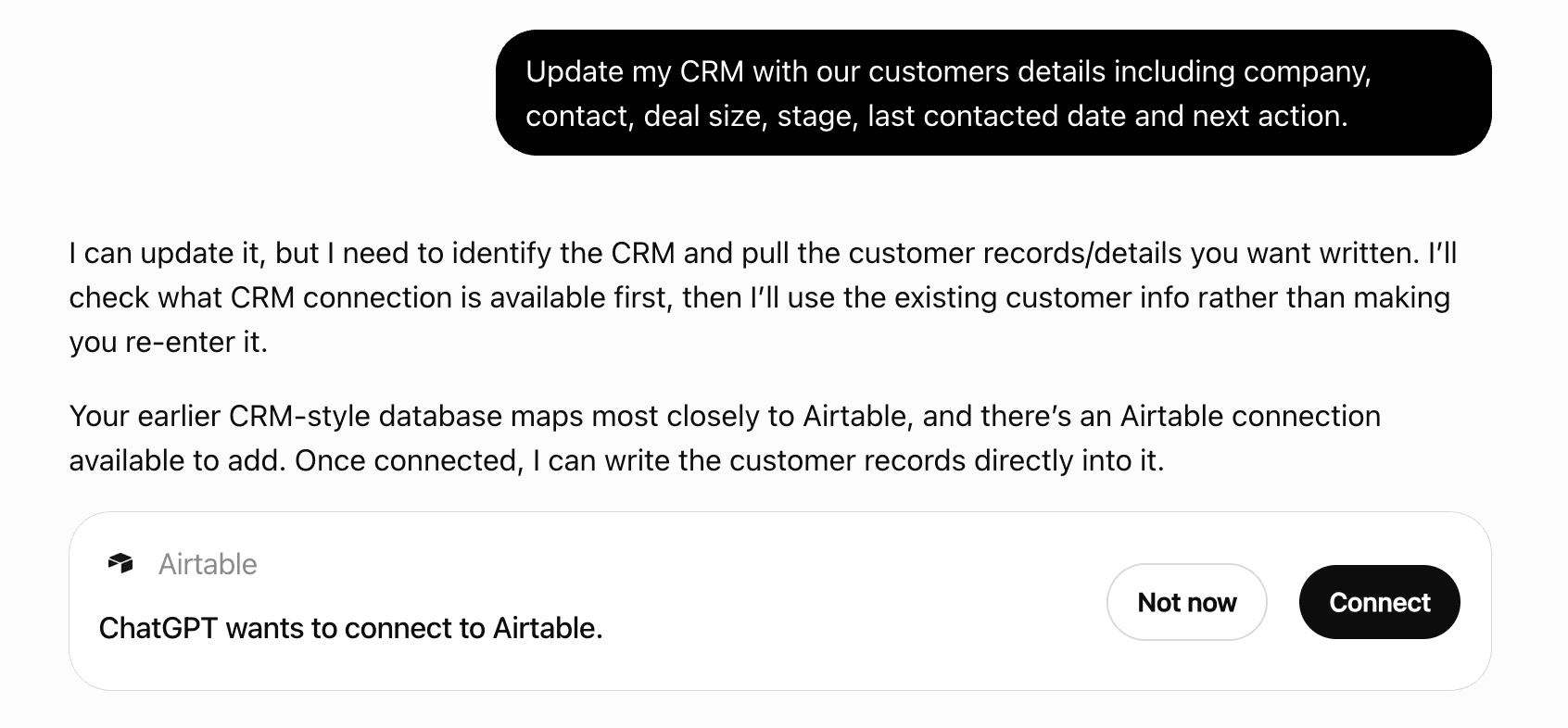
ChatGPT now suggests Plugins on its own when they match a user's request.Your Plugin Discovery Score measures how often yours appears, and it will show here as soon as it’s ready.
What discovery looks like
Get alerts for Algorithmic Ink
Get updates when Algorithmic Ink’s Discoverability Score or category rank changes.
Competitive lineup
1 tool agents can invoke

Algorithmic Ink ChatGPT Plugin FAQ
How the directory, categories and Discoverability Score work.
Read the methodologyHow do I improve Algorithmic Ink's ChatGPT Plugin discoverability?
The levers are the listing surface agents actually read: names, descriptions, keywords, tool metadata, and registry health. Which lever matters depends on where discovery breaks, which is what continuous measurement shows.
Where is this profile measured?
This profile uses the geography attached to the latest public registry snapshot: US. Locale tags are intentionally omitted.