
 View in the ChatGPT registry
- Brand
- Unknown
- Category
- Pending
- Primary Subcategory
- Pending
Integration details
Description
Blueprint Studio keeps your brand in one place, with its Styles, official logos and asset library, and uses it to make images that match your brand, right in the chat. Ask for what you need in plain words: an Instagram post for this week's sale, a hero image for your website, a LinkedIn banner, an email header, app icons, UI illustrations, pitch-deck visuals or product shots. Blueprint Studio Asset Generator makes each one in your brand's saved Style, can place your official logo instead of redrawing it, and saves every image to your library so you and your team can find, reuse and download it later. What you can do - Set up your brand from your website. Share your site, or a few images you like, and Blueprint Studio reads your real colors, fonts and imagery, drafts a brand and a reusable Style, and shows previews before you save. - Make on-brand images: social posts and ads, website heroes and banners, email headers, slide and pitch-deck visuals, product shots, icons and illustrations, from square to 16:9 and 9:16. - Use your official logo and product artwork in new images. - Keep a set consistent: use one Style across a campaign, or make another image in the same style as last time. - Find past work: see your recent images inline, open them in Asset Generator or download full-resolution files. - Work as a team: a brand is a shared workspace, so everyone on it uses the same Styles, logos and library. - Edit or make variations of earlier images. Who it's for Small-business owners, marketers, founders, designers and agencies who need visuals that look like their brand, and teams who want one shared place for them. How it works Sign in with your Blueprint Studio account and approve access; signing in with a new email creates an account. You can then work in your personal library or in any brand you belong to. Every image is also saved to Blueprint Studio Asset Generator on the web, where you manage your brands, team and plan. Limitations - Blueprint Studio works with images in your Blueprint Studio library. It can't edit photos you attach to the chat. - It's made for brand and business visuals, not photo retouching or pictures of real people. - Making images uses your Blueprint Studio Asset Generator credits. - Brand setup reads public websites only.
- Integration type
- Plugin
- Verification status
- Not applicable
- Platform
- ChatGPT
- Category
- Pending
- Primary Subcategory
- Pending
- Secondary Subcategories
- None listed
- Brand
- Unknown
- Access
- Account required
- First tracked
- 2026-10-31
- Tool count
- 36
- Market
- US
The broad Category that contains the Primary Subcategory.
The Primary Subcategory used for this profile’s headline score.
Other Subcategories where the Integration is listed.
 Agent DiscoverabilityChatGPT Plugin Discovery Score
Your score is coming
ChatGPT now suggests Plugins on its own when they match a user's request.Your Plugin Discovery Score measures how often yours appears, and it will show here as soon as it’s ready.
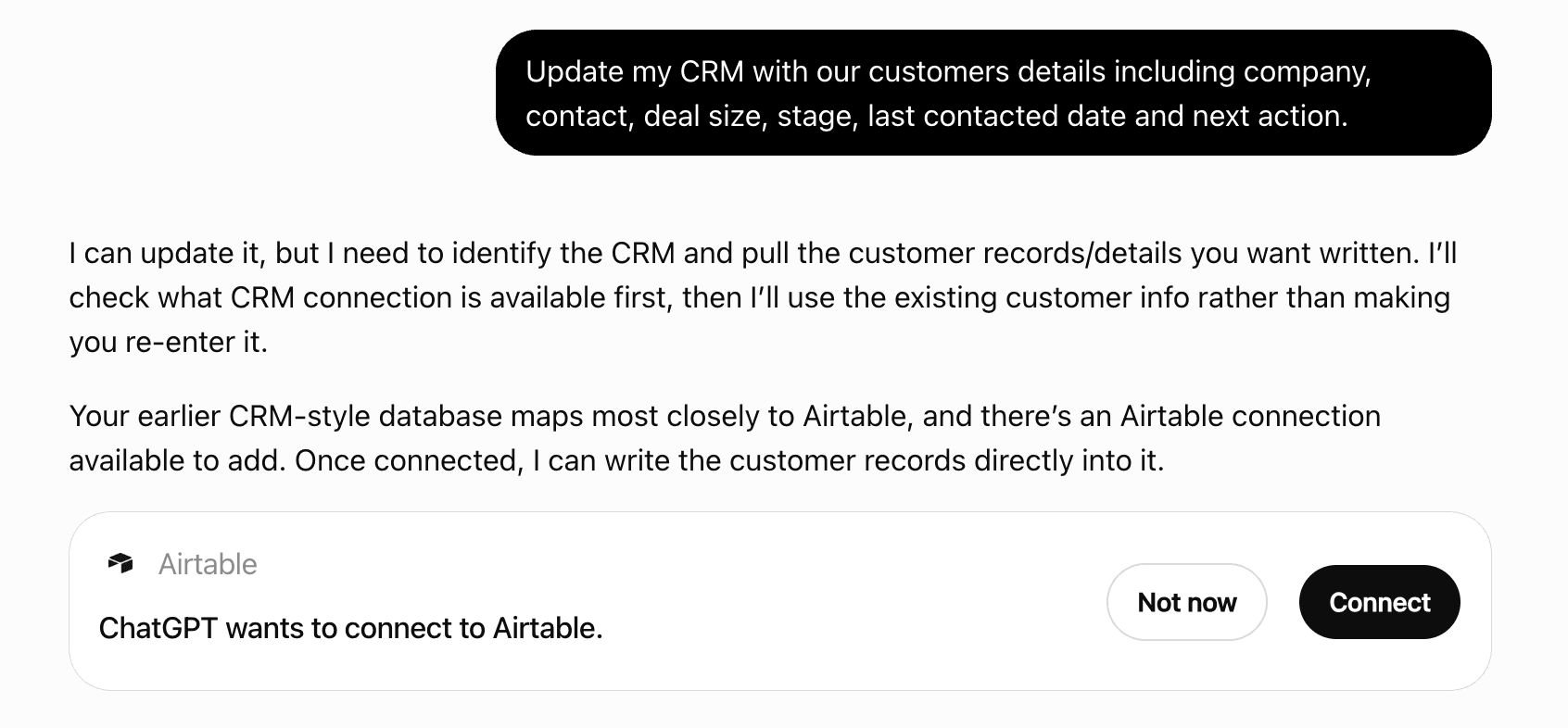
What discovery looks like
Get alerts for Blueprint Studio
Get updates when Blueprint Studio’s Discoverability Score or category rank changes.
Competitive lineup
36 tools agents can invoke

Blueprint Studio ChatGPT Plugin FAQ
How the directory, categories and Discoverability Score work.
Read the methodologyHow do I improve Blueprint Studio's ChatGPT Plugin discoverability?
The levers are the listing surface agents actually read: names, descriptions, keywords, tool metadata, and registry health. Which lever matters depends on where discovery breaks, which is what continuous measurement shows.
Where is this profile measured?
This profile uses the geography attached to the latest public registry snapshot: US. Locale tags are intentionally omitted.