
 View in the ChatGPT registry
- Brand
- Unknown
- Category
- Pending
- Primary Subcategory
- Pending
Integration details
Description
CRM Connector keeps your CRM, field service and accounting apps in sync, so a new customer, a won deal or a paid invoice shows up where your team works without being copied by hand. It connects systems such as QuickBooks Online, Xero, Jobber, HubSpot, Pipedrive, Salesforce, ServiceM8 and more. In a conversation, anyone can: - Ask what two systems can sync: which records travel (contacts, invoices, quotes, deals, jobs), in which direction, at which moment (for example only once an invoice is paid or a quote is accepted) and which filters apply. The answers come from the same rules the CRM Connector app uses. - Describe the workflow they want, such as "when a deal is won in HubSpot, make a draft invoice in QuickBooks Online", and get a clear plan plus a link that opens the CRM Connector setup with everything prefilled. In the app they sign in or create an account, connect both systems and review every choice before anything syncs. - Hear plainly when a system or a combination is not offered, with a link to request it. CRM Connector customers who connect their account can also: - See their integrations, the systems each one connects, whether it is running and when it last synced. - Find out what failed and why, grouped by reason and record type, and which records are waiting on a related record, for example an invoice waiting on its contact. - Check what the latest syncs of one integration did: how many records were read, written, skipped and failed, and why records were skipped. What it does not do: it only reads. It never creates, changes, pauses or deletes an integration, never starts a sync and never touches the records in your connected systems. Answers about your account contain integration and system names, statuses, counts and readable failure reasons. They never contain your customers' names, contact details or the amounts of individual records. You connect your account through the CRM Connector sign in and a consent page that says what the assistant may see. You can disconnect at any time in CRM Connector under Settings, Security, Connected AI assistants.
- Integration type
- Plugin
- Verification status
- Not applicable
- Platform
- ChatGPT
- Category
- Pending
- Primary Subcategory
- Pending
- Secondary Subcategories
- None listed
- Brand
- Unknown
- Access
- Account optional
- First tracked
- 2026-10-15
- Tool count
- 6
- Geography
- US
The broad Category that contains the Primary Subcategory.
The Primary Subcategory used for this profile’s headline score.
Other Subcategories where the Integration is listed.
 Agent DiscoverabilityChatGPT Plugin Discovery Score
Your score is coming
ChatGPT now suggests Plugins on its own when they match a user's request.Your Plugin Discovery Score measures how often yours appears, and it will show here as soon as it’s ready.
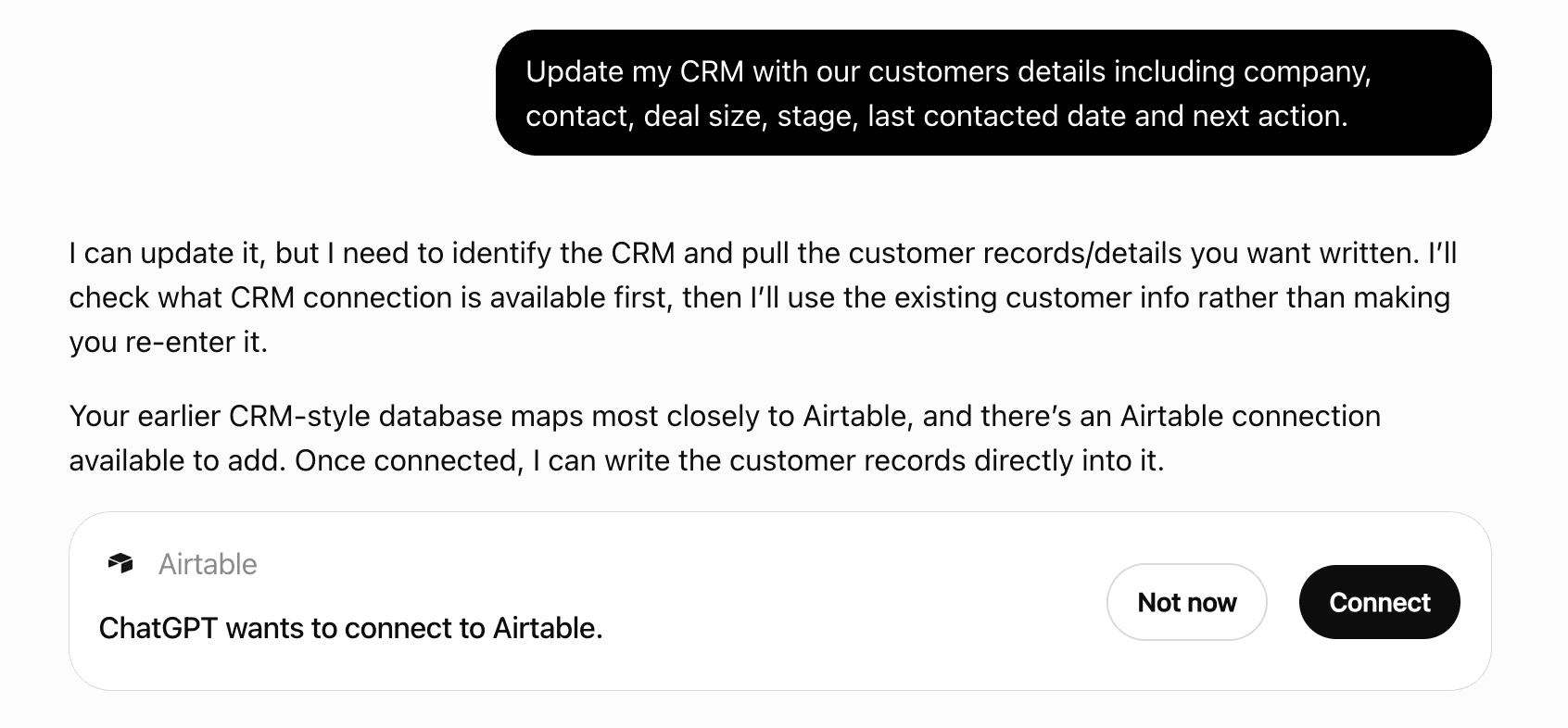
What discovery looks like
Get alerts for CRM Connector
Get updates when CRM Connector’s Discoverability Score or category rank changes.
Competitive lineup
6 tools agents can invoke

CRM Connector ChatGPT Plugin FAQ
How the directory, categories and Discoverability Score work.
Read the methodologyHow do I improve CRM Connector's ChatGPT Plugin discoverability?
The levers are the listing surface agents actually read: names, descriptions, keywords, tool metadata, and registry health. Which lever matters depends on where discovery breaks, which is what continuous measurement shows.
Where is this profile measured?
This profile uses the geography attached to the latest public registry snapshot: US. Locale tags are intentionally omitted.