
 View in the ChatGPT registry
- Brand
- CSV File Tools
- Category
- Pending
- Primary Subcategory
- Pending
Integration details
Description
Open a CSV file in ChatGPT to view a table, edit CSV cells, fix column headers, add or delete rows and columns, and search for values. Undo mistakes and explicitly save changes to the opened CSV file. File contents stay in the browser and ChatGPT host resource flow; no separate account or database upload is required. Supports files up to 5 MiB, 50,000 cells and 200 columns. Saving requires host write permission and an entity tag. The editor does not evaluate formulas, macros or SQL and does not support Excel workbooks.
- Integration type
- Plugin
- Verification status
- Not applicable
- Platform
- ChatGPT
- Category
- Pending
- Primary Subcategory
- Pending
- Secondary Subcategories
- None listed
- Brand
- CSV File Tools
- Access
- No account required
- First tracked
- 2026-10-17
- Tool count
- 1
- Geography
- US
The broad Category that contains the Primary Subcategory.
The Primary Subcategory used for this profile’s headline score.
Other Subcategories where the Integration is listed.
 Agent DiscoverabilityChatGPT Plugin Discovery Score
Your score is coming
ChatGPT now suggests Plugins on its own when they match a user's request.Your Plugin Discovery Score measures how often yours appears, and it will show here as soon as it’s ready.
What discovery looks like
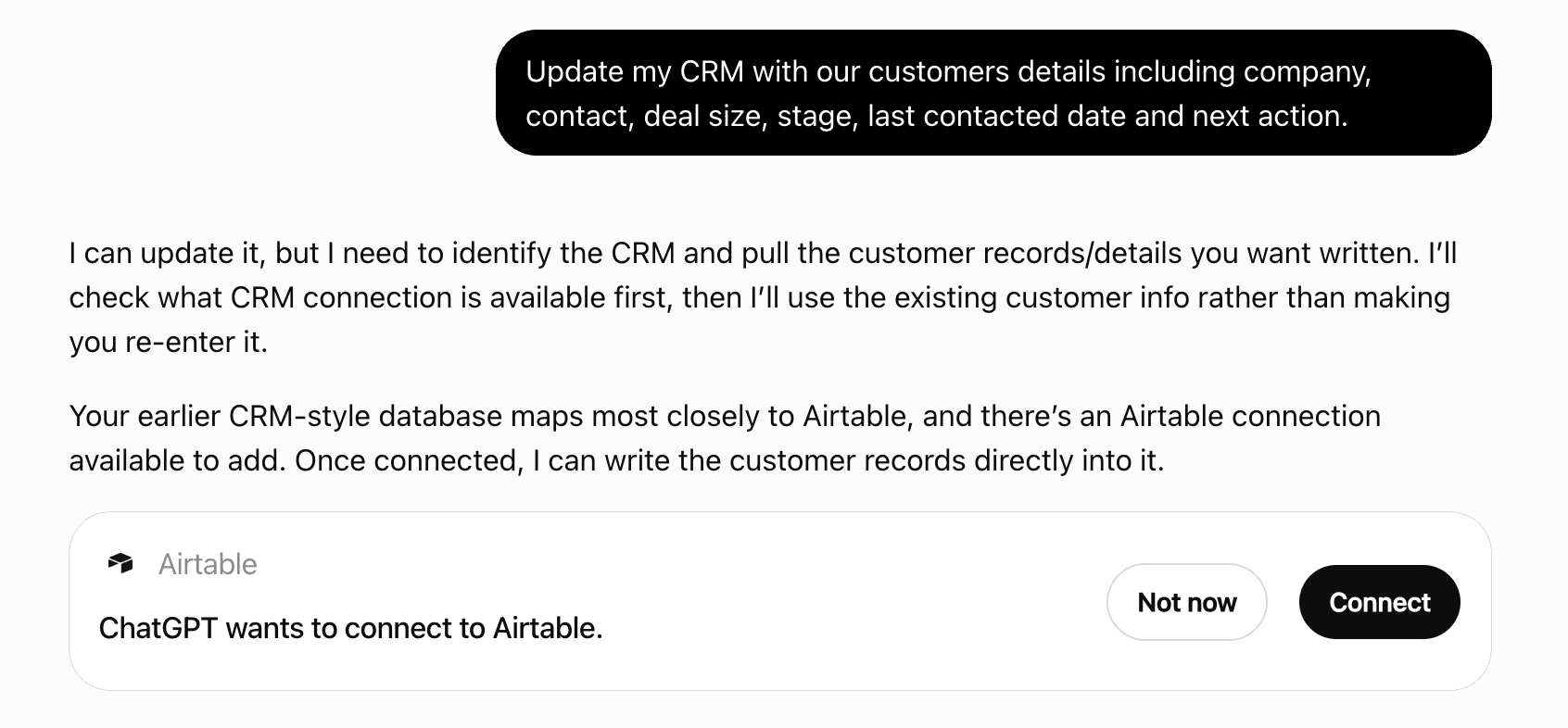
Get alerts for CSV Editor
Get updates when CSV Editor’s Discoverability Score or category rank changes.
Competitive lineup
1 tool agents can invoke

CSV Editor ChatGPT Plugin FAQ
How the directory, categories and Discoverability Score work.
Read the methodologyHow do I improve CSV Editor's ChatGPT Plugin discoverability?
The levers are the listing surface agents actually read: names, descriptions, keywords, tool metadata, and registry health. Which lever matters depends on where discovery breaks, which is what continuous measurement shows.
Where is this profile measured?
This profile uses the geography attached to the latest public registry snapshot: US. Locale tags are intentionally omitted.