
 View in the ChatGPT registry
- Brand
- Unknown
- Category
- Pending
- Primary Subcategory
- Pending
Integration details
Description
Echo UI is a design system for React: components that press, click and move, all made from one material, with your own style on top. This plugin brings its workflow to your agent. • Make a style. Share a mood board and ask for a style. Echo's Design Eye reads it as a designer would and hands back the style: a foundation document and a style.json you keep and reuse. • Pick one. Ask which style fits your product. Echo's Style Fit places the product on seven axes, ranks Echo's styles and yours against it, and makes a pick it can argue for. • Feel it. Wearing a style gives a link that makes https://echo-ui.com wear its colours, every component pressing and moving in them. • Build with it. In a project with a terminal, where your agent runs commands, npx echo-ui-cli init --style <name> sets the project up in that style and your agent builds from Echo's components. In a chat, the agent writes the code with them and runs Echo's check on it before handing it over. What it sends, runs and writes • The server. The plugin's tools are Echo's MCP server, at https://mcp.echo-ui.com/mcp. It receives what a tool is called with: a search, a component's name, a style's settings, or code to check. It needs no account and keeps none of what it's sent: code is checked and forgotten. It reads Echo's published catalog and registry from https://echo-ui.com. Cloudflare, which hosts it, keeps request logs, including the address a request came from, for up to 7 days. • In a project with a terminal, the skills run Echo's CLI, npx echo-ui-cli, which npm downloads and which reads Echo's registry from https://echo-ui.com. init, add and style use write into the project. init also adds Echo's block to the project's agent instructions, and Echo's check as a hook in its agent settings; npx echo-ui-cli agent off removes both. Design Eye and Style Fit save styles and decisions in the builder's style library, ~/Documents/styles, on their own computer. • In a chat, nothing is saved anywhere: styles and decisions come back as files to keep. Privacy policy: https://echo-ui.com/privacy. Help, privacy questions and security reports: [email protected].
- Integration type
- Plugin
- Verification status
- Not applicable
- Platform
- ChatGPT
- Category
- Pending
- Primary Subcategory
- Pending
- Secondary Subcategories
- None listed
- Brand
- Unknown
- Access
- No account required
- First tracked
- 2026-10-15
- Tool count
- 10
- Geography
- US
The broad Category that contains the Primary Subcategory.
The Primary Subcategory used for this profile’s headline score.
Other Subcategories where the Integration is listed.
 Agent DiscoverabilityChatGPT Plugin Discovery Score
Your score is coming
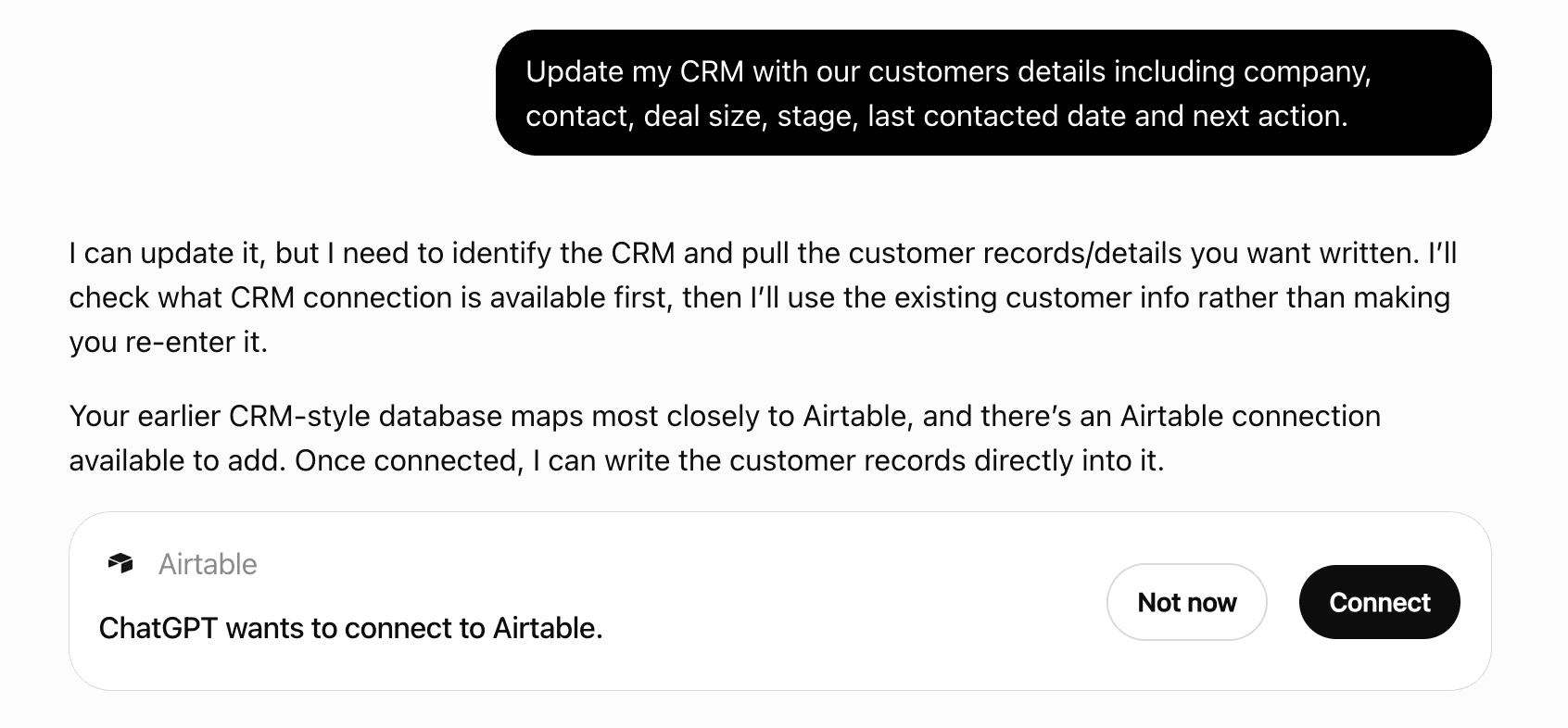
ChatGPT now suggests Plugins on its own when they match a user's request.Your Plugin Discovery Score measures how often yours appears, and it will show here as soon as it’s ready.
What discovery looks like
Get alerts for Echo UI
Get updates when Echo UI’s Discoverability Score or category rank changes.
Competitive lineup
10 tools agents can invoke

Echo UI ChatGPT Plugin FAQ
How the directory, categories and Discoverability Score work.
Read the methodologyHow do I improve Echo UI's ChatGPT Plugin discoverability?
The levers are the listing surface agents actually read: names, descriptions, keywords, tool metadata, and registry health. Which lever matters depends on where discovery breaks, which is what continuous measurement shows.
Where is this profile measured?
This profile uses the geography attached to the latest public registry snapshot: US. Locale tags are intentionally omitted.