
 View in the ChatGPT registry
- Brand
- Unknown
- Category
- Pending
- Primary Subcategory
- Pending
Integration details
Description
Connect your Evenda or Oblak Karte organizer workspace to ChatGPT. Find events and orders, review sales, attendance and available financial reports, and prepare event drafts, translations, publication, schedules, ticket categories, registration forms, archive and draft copies. Add photos or videos from an attachment, generated file or explicitly chosen direct HTTPS link to event cards, promotion galleries and photo reports after separate approval. Files are checked before approval and again before upload, up to 150 MiB. Search venues through Photon/OpenStreetMap; this integration does not use Google Places. Manage catalog entries for physical and digital products and services, promo codes, public contact profiles, organization settings, preferences, tracking and review moderation. Read team membership, notifications and support conversations; prepare team changes, support messages and resending existing tickets to explicitly selected email recipients. An owner or administrator selects the organization and permissions. New connections request all 27 available permissions by default; users can deselect capabilities. Only granted scopes apply, and existing connections keep their permissions until reauthorized. With customer-data permission, event guest requests return bounded buyer groups, ticket counts and saved contacts, including Telegram text when present. Registration answers require an explicit request for that event. Buyer groups do not identify each individual attendee. Telegram text is unverified; the integration cannot discover accounts or send Telegram messages. In ChatGPT, changes require separate approval in the Evenda cabinet or mobile app. General-admission tickets may be prepared as paid only for money already received manually outside the platform. The plugin cannot charge cards, cancel events with refunds or execute refunds; refund operations remain in the cabinet. New organizers can obtain a registration-form link and complete registration themselves. Check workspace access and open the relevant account settings to complete setup personally. Sensitive account and billing details are entered only in the external cabinet. Workspace features require an organizer account and depend on its permissions and available services. Assigned-seat booking, payment credentials and other file-upload workflows remain in the cabinet. Access is limited to the connected organization and can be revoked in AI connections.
- Integration type
- Plugin
- Verification status
- Not applicable
- Platform
- ChatGPT
- Category
- Pending
- Primary Subcategory
- Pending
- Secondary Subcategories
- None listed
- Brand
- Unknown
- Access
- Account optional
- First tracked
- 2026-10-21
- Tool count
- 93
- Geography
- US
The broad Category that contains the Primary Subcategory.
The Primary Subcategory used for this profile’s headline score.
Other Subcategories where the Integration is listed.
 Agent DiscoverabilityChatGPT Plugin Discovery Score
Your score is coming
ChatGPT now suggests Plugins on its own when they match a user's request.Your Plugin Discovery Score measures how often yours appears, and it will show here as soon as it’s ready.
What discovery looks like
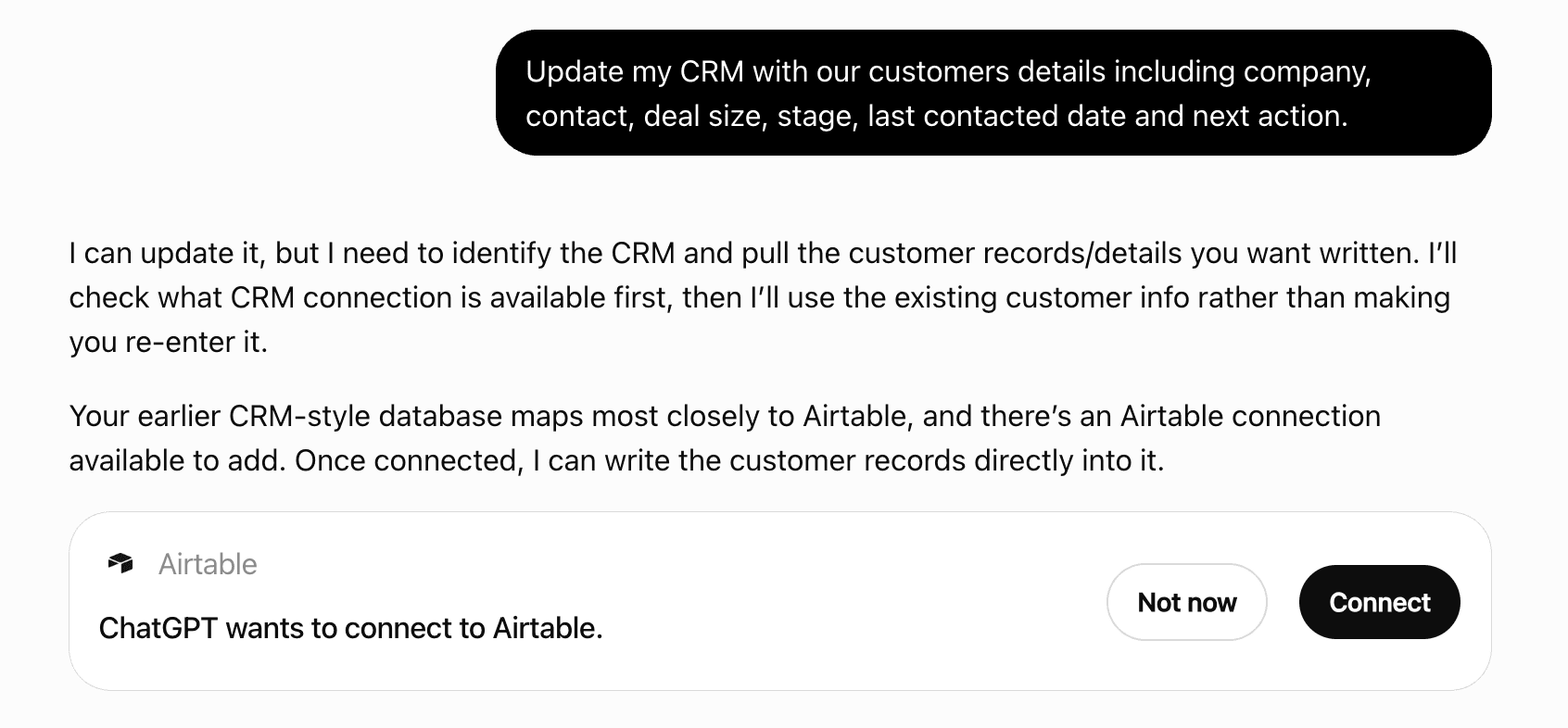
Get alerts for Evenda
Get updates when Evenda’s Discoverability Score or category rank changes.
Competitive lineup
93 tools agents can invoke

Evenda ChatGPT Plugin FAQ
How the directory, categories and Discoverability Score work.
Read the methodologyHow do I improve Evenda's ChatGPT Plugin discoverability?
The levers are the listing surface agents actually read: names, descriptions, keywords, tool metadata, and registry health. Which lever matters depends on where discovery breaks, which is what continuous measurement shows.
Where is this profile measured?
This profile uses the geography attached to the latest public registry snapshot: US. Locale tags are intentionally omitted.