
 View in the ChatGPT registry
- Brand
- Unknown
- Category
- Pending
- Primary Subcategory
- Pending
Integration details
Description
GitDiagram shows how a public GitHub repository is built. Ask about a repository, for example "Show me the architecture of fastapi/fastapi", and you get its architecture diagram: an interactive map of the main components and how they connect, which you can pan, zoom and open full screen, and where every component opens its source code on GitHub. With the diagram, ChatGPT also receives GitDiagram's written explanation of how the codebase is organized, the list of components with the paths they live in, how they connect, and the Mermaid source, so it can answer follow-up questions about the code and point you to the right files. You can also search GitDiagram's library of diagrams by owner or repository name, and get a repository's narrated explainer video and its transcript when one exists. It's for anyone getting to know an unfamiliar codebase: onboarding to a project, evaluating an open-source dependency, preparing a first contribution, or explaining how a project works. Limitations: GitDiagram covers public GitHub repositories only. The plugin reads diagrams GitDiagram has already made; when a repository has none yet, it gives you a link to gitdiagram.com, where the diagram is made in about a minute, and after that the plugin can read it. Diagrams are AI-generated from the repository's files and can miss details, so check anything important against the code. The plugin is read-only, never changes anything on GitHub or elsewhere, and needs no account.
- Integration type
- Plugin
- Verification status
- Not applicable
- Platform
- ChatGPT
- Category
- Pending
- Primary Subcategory
- Pending
- Secondary Subcategories
- None listed
- Brand
- Unknown
- Access
- No account required
- First tracked
- 2026-10-15
- Tool count
- 3
- Geography
- US
The broad Category that contains the Primary Subcategory.
The Primary Subcategory used for this profile’s headline score.
Other Subcategories where the Integration is listed.
 Agent DiscoverabilityChatGPT Plugin Discovery Score
Your score is coming
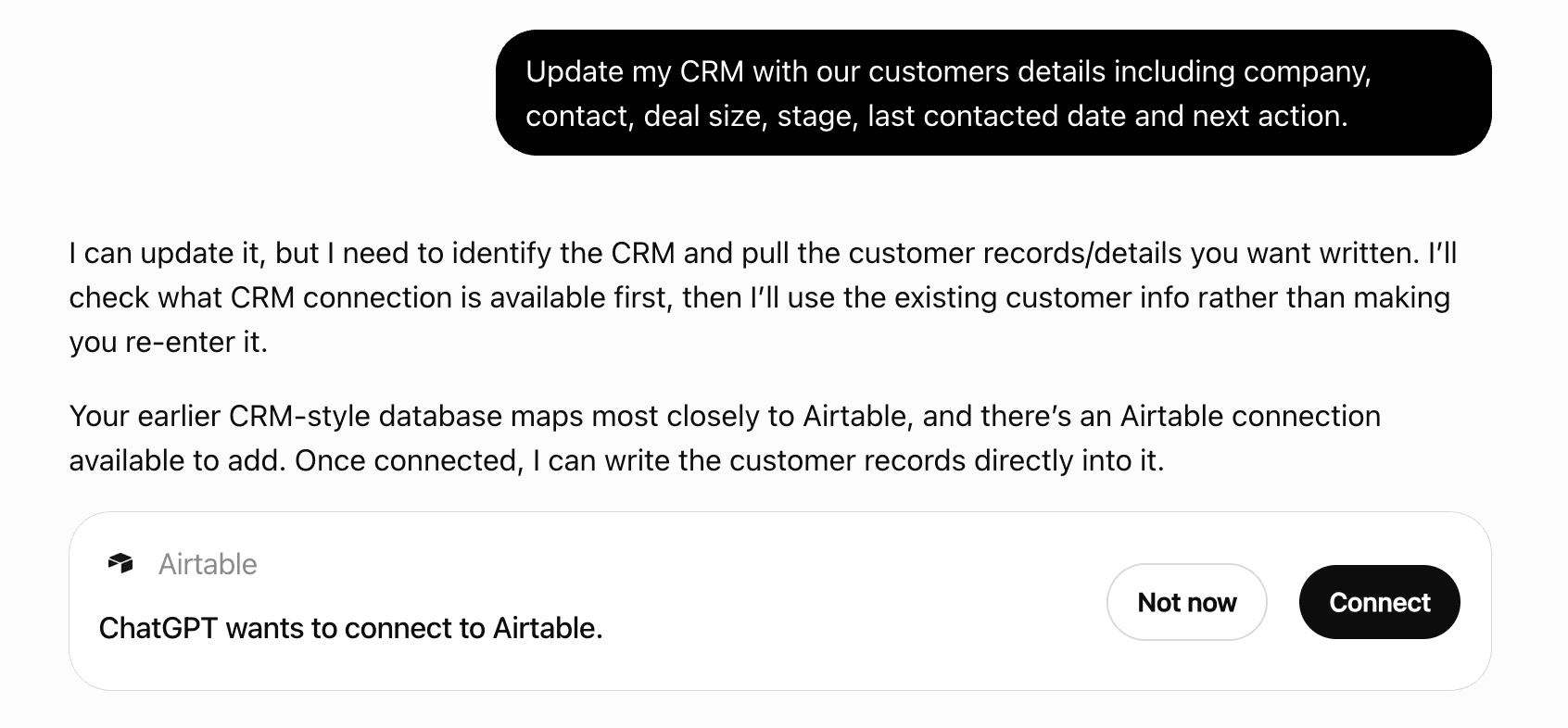
ChatGPT now suggests Plugins on its own when they match a user's request.Your Plugin Discovery Score measures how often yours appears, and it will show here as soon as it’s ready.
What discovery looks like
Get alerts for GitDiagram
Get updates when GitDiagram’s Discoverability Score or category rank changes.
Competitive lineup
3 tools agents can invoke

GitDiagram ChatGPT Plugin FAQ
How the directory, categories and Discoverability Score work.
Read the methodologyHow do I improve GitDiagram's ChatGPT Plugin discoverability?
The levers are the listing surface agents actually read: names, descriptions, keywords, tool metadata, and registry health. Which lever matters depends on where discovery breaks, which is what continuous measurement shows.
Where is this profile measured?
This profile uses the geography attached to the latest public registry snapshot: US. Locale tags are intentionally omitted.