
 View in the ChatGPT registry
- Brand
- Unknown
- Category
- Pending
- Primary Subcategory
- Pending
Integration details
Description
This plugin gives ChatGPT read-only access to one HoverBot workspace, so the people who run a support bot can ask about it in plain language instead of reading dashboards. It answers questions like: what did shoppers ask about returns last week that the bot could not answer, how does this week's conversation volume compare to last week's, and which knowledge sources mention the refund window. HoverBot is an AI chatbot platform that answers customer questions from a company's own catalog, policies, and documentation. Nine tools are available. list_chatbots and get_chatbot return the bots in the workspace and one bot's configuration, including its system prompt and knowledge libraries. list_knowledge_sources and search_knowledge cover the files, links, text and question-and-answer pairs that ground its replies. list_conversations and get_conversation return recent shopper conversations and full transcripts, with the retrieval confidence for each turn. get_unanswered_questions reports questions the bot answered from weak grounding and questions that produced no answer at all, each with its conversation id. get_analytics_summary returns conversation and message volume, active sessions, response rate and average response time, this week against last. list_leads returns the contact details the bots captured. Every tool is read-only. The plugin cannot change a chatbot, edit a knowledge base, contact a lead, or alter any setting. Access is granted by signing in to HoverBot, and the grant fixes which workspace the plugin can read. The workspace is never taken from a tool argument, so the plugin cannot reach another customer's data. Access tokens are listed in the HoverBot dashboard with the time each was last used, and revoking one takes effect on the next request. search_knowledge matches keywords rather than meaning; the chatbot's own answering uses semantic retrieval, and this tool does not.
- Integration type
- Plugin
- Verification status
- Not applicable
- Platform
- ChatGPT
- Category
- Pending
- Primary Subcategory
- Pending
- Secondary Subcategories
- None listed
- Brand
- Unknown
- Access
- Account required
- First tracked
- 2026-10-15
- Tool count
- 9
- Geography
- US
The broad Category that contains the Primary Subcategory.
The Primary Subcategory used for this profile’s headline score.
Other Subcategories where the Integration is listed.
 Agent DiscoverabilityChatGPT Plugin Discovery Score
Your score is coming
ChatGPT now suggests Plugins on its own when they match a user's request.Your Plugin Discovery Score measures how often yours appears, and it will show here as soon as it’s ready.
What discovery looks like
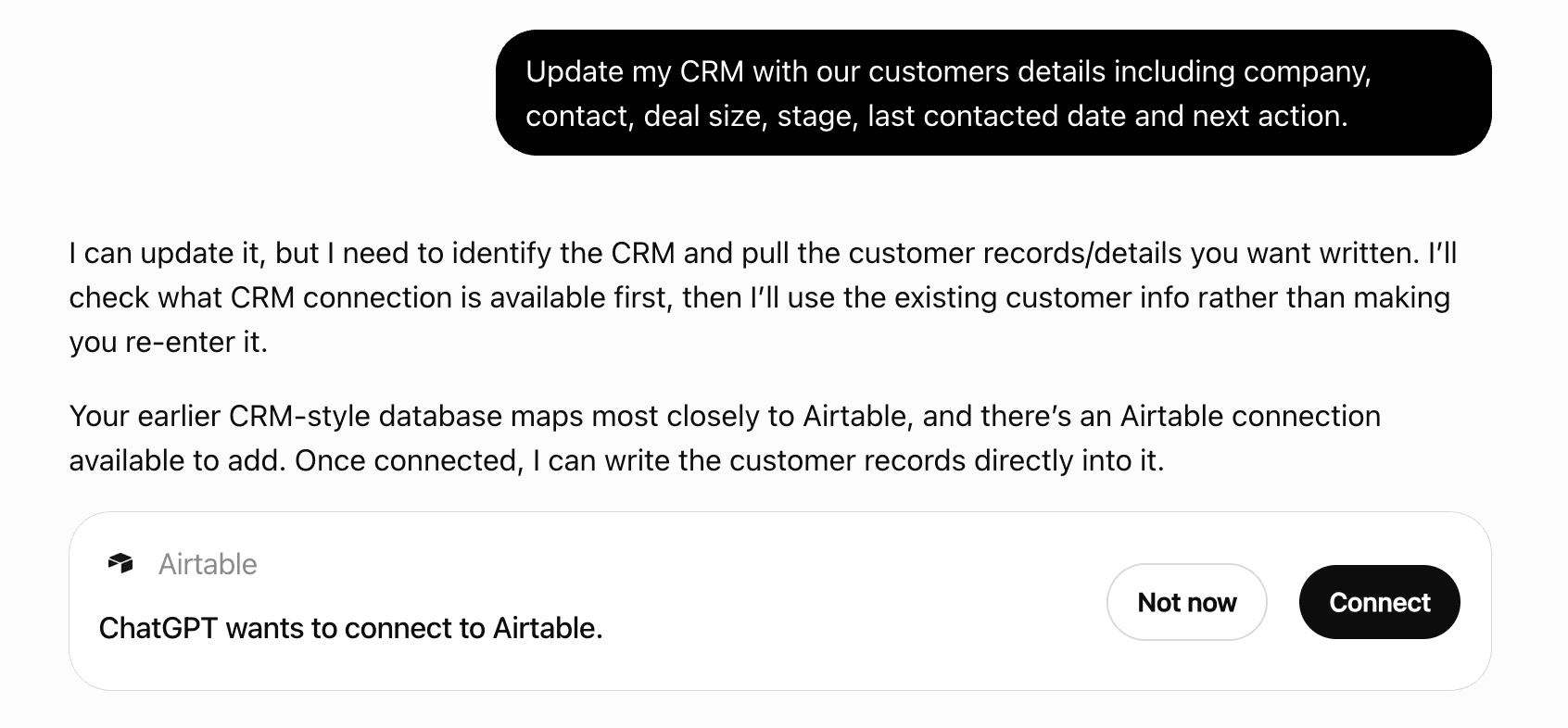
Get alerts for HoverBot
Get updates when HoverBot’s Discoverability Score or category rank changes.
Competitive lineup
9 tools agents can invoke

HoverBot ChatGPT Plugin FAQ
How the directory, categories and Discoverability Score work.
Read the methodologyHow do I improve HoverBot's ChatGPT Plugin discoverability?
The levers are the listing surface agents actually read: names, descriptions, keywords, tool metadata, and registry health. Which lever matters depends on where discovery breaks, which is what continuous measurement shows.
Where is this profile measured?
This profile uses the geography attached to the latest public registry snapshot: US. Locale tags are intentionally omitted.