
 View in the ChatGPT registry
- Brand
- Unknown
- Category
- Pending
- Primary Subcategory
- Pending
Integration details
Description
LogMeIn Resolve is a unified endpoint management (UEM) and remote monitoring and management (RMM) platform for IT teams and managed service providers (MSPs). This connector brings your Resolve environment into ChatGPT, so you can ask about your fleet in plain language, connect it with your other tools, and act on the answer in the same place. What IT teams use it for: - See the whole estate at once — device health, alerts, and inventory across every account and tenant you manage, instead of clicking through them one by one - Cut alert noise — review what's firing, spot the pattern, and acknowledge in bulk - Automate the busywork — run scripts and Remote Execution jobs across the fleet, then check status without opening a separate console - Move tickets forward — read the queue, draft updates, and open tickets with the right service and priority already set - Answer hardware and software inventory questions on the spot — what's deployed, where, and on which version - Capture what you learn — turn a resolved issue into a Knowledge Base article while the detail is still fresh - Start remote support faster — set up a session and send the invitation without leaving the conversation - Connect Resolve to your other tools — e.g., “Check this device's alert history in Resolve, then post a summary to our incident channel in Slack.” The connector is most valuable where endpoint data meets everything around it: correlating an alert with the ticket it produced, or turning device and ticket history into a report a client can read. It acts on behalf of the signed-in technician and stays within that user's existing Resolve permissions. Read actions never change data; creates, updates, and session actions are yours to approve. Requires a LogMeIn Resolve account. Learn more at logmein.com/products/resolve
- Integration type
- Plugin
- Verification status
- Not applicable
- Platform
- ChatGPT
- Category
- Pending
- Primary Subcategory
- Pending
- Secondary Subcategories
- None listed
- Brand
- Unknown
- Access
- Account required
- First tracked
- 2026-10-13
- Tool count
- 77
- Geography
- US
The broad Category that contains the Primary Subcategory.
The Primary Subcategory used for this profile’s headline score.
Other Subcategories where the Integration is listed.
 Agent DiscoverabilityChatGPT Plugin Discovery Score
Your score is coming
ChatGPT now suggests Plugins on its own when they match a user's request.Your Plugin Discovery Score measures how often yours appears, and it will show here as soon as it’s ready.
What discovery looks like
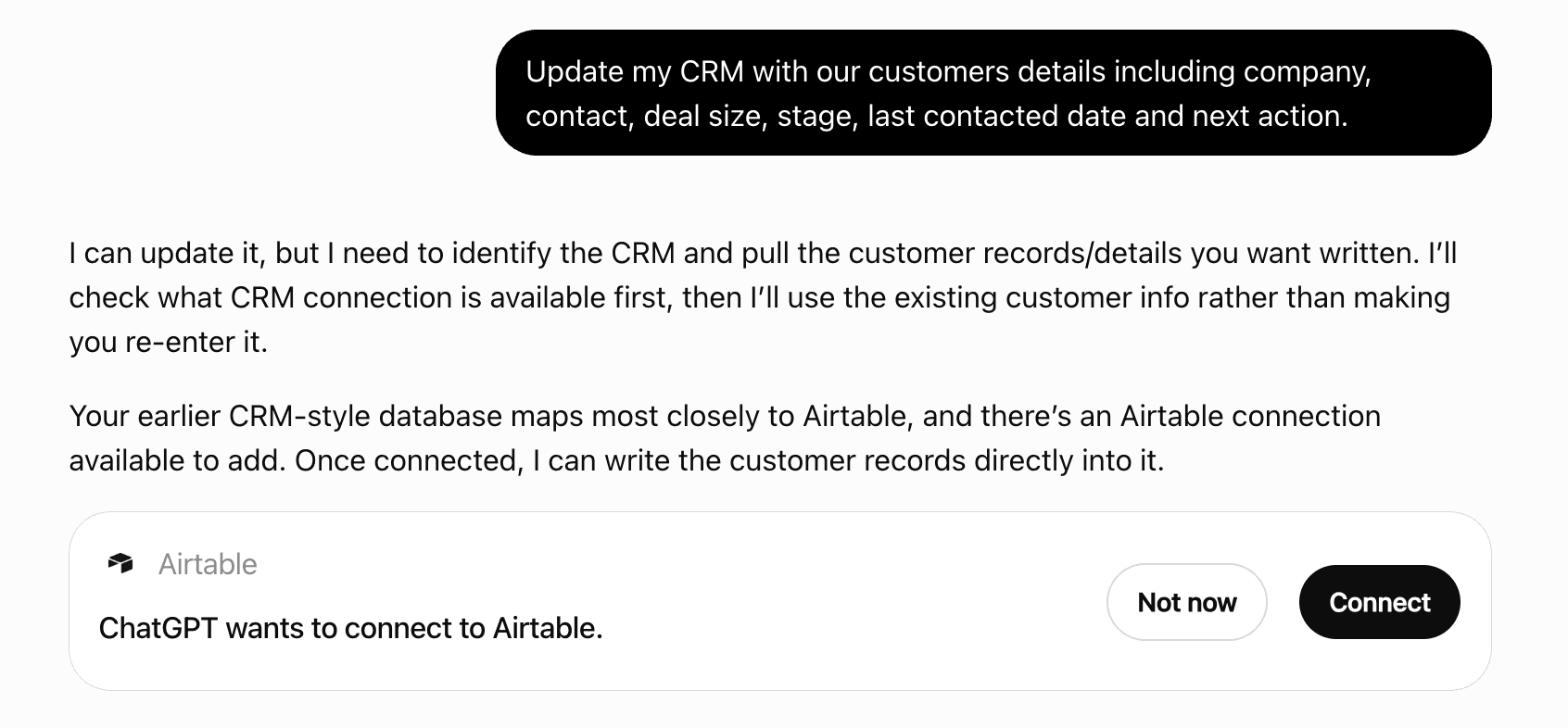
Get alerts for LogMeIn Resolve
Get updates when LogMeIn Resolve’s Discoverability Score or category rank changes.
Competitive lineup
77 tools agents can invoke

LogMeIn Resolve ChatGPT Plugin FAQ
How the directory, categories and Discoverability Score work.
Read the methodologyHow do I improve LogMeIn Resolve's ChatGPT Plugin discoverability?
The levers are the listing surface agents actually read: names, descriptions, keywords, tool metadata, and registry health. Which lever matters depends on where discovery breaks, which is what continuous measurement shows.
Where is this profile measured?
This profile uses the geography attached to the latest public registry snapshot: US. Locale tags are intentionally omitted.