
 View in the ChatGPT registry
- Brand
- Unknown
- Category
- Pending
- Primary Subcategory
- Pending
Integration details
Description
Paloma365 is a point-of-sale and back-office system for restaurants, cafes and retail stores. This app connects ChatGPT to one Paloma365 account so that the account owner or an administrator can look up data and prepare routine back-office changes in conversation. What you can do: - Find items and services, open item cards, and browse units of measure, warehouses, organizations, vendors, buyers and price types. - View documents such as goods receipts, sales, write-offs, transfers and stock counts, and view recipes (calculations). - Get read-only reports: sales for a period with top items, stock balances in a warehouse on a date, and cash register and bank account balances. - View POS app settings such as appearance, receipt, shift, delivery and region options. - Change an item's name, selling price, article code or description, and create new items and item groups. - Prepare draft warehouse documents: goods receipt, surplus stock entry, write-off, transfer between warehouses, return from a buyer, return to a vendor and stock count. How changes work: every change takes two steps. The app first shows a preview of exactly what will be written, and nothing is saved until you confirm it. Each confirmation saves one record. Documents are saved as drafts only: they do not change stock, cost or cash until someone conducts them in the Paloma365 dashboard. What this app does not do: it does not conduct (post) documents, create cash or bank documents, move or transfer money, take payments, manage employees, logins or passwords, set up trade points or workplaces, or change settings. Those actions stay in the Paloma365 dashboard. Access and permissions: sign in with your Paloma365 dashboard login. The connection is available to the account owner and to employees with the Administrator (management mode) interface, and the app acts within that person's permissions in Paloma365. On the consent screen, access is read-only by default: searching and viewing items and reference lists. Editing items and creating drafts, viewing reports, and viewing settings are separate checkboxes. You can revoke access at any time on the AI Connector (MCP) page of the Paloma365 dashboard. Amounts, prices and quantities are returned exactly as recorded in the account, in the account currency.
- Integration type
- Plugin
- Verification status
- Not applicable
- Platform
- ChatGPT
- Category
- Pending
- Primary Subcategory
- Pending
- Secondary Subcategories
- None listed
- Brand
- Unknown
- Access
- Account required
- First tracked
- 2026-10-22
- Tool count
- 35
- Geography
- US
The broad Category that contains the Primary Subcategory.
The Primary Subcategory used for this profile’s headline score.
Other Subcategories where the Integration is listed.
 Agent DiscoverabilityChatGPT Plugin Discovery Score
Your score is coming
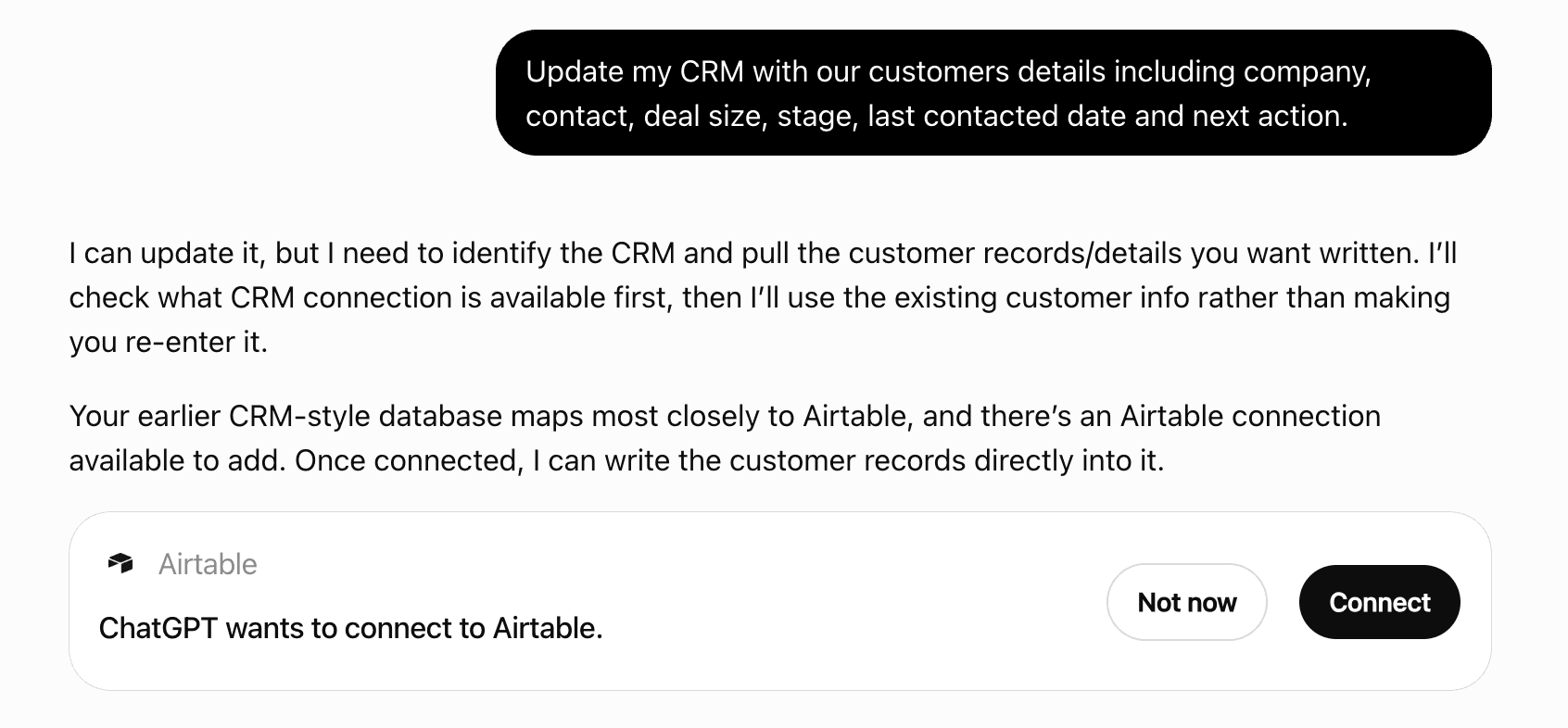
ChatGPT now suggests Plugins on its own when they match a user's request.Your Plugin Discovery Score measures how often yours appears, and it will show here as soon as it’s ready.
What discovery looks like
Get alerts for Paloma365
Get updates when Paloma365’s Discoverability Score or category rank changes.
Competitive lineup
35 tools agents can invoke

Paloma365 ChatGPT Plugin FAQ
How the directory, categories and Discoverability Score work.
Read the methodologyHow do I improve Paloma365's ChatGPT Plugin discoverability?
The levers are the listing surface agents actually read: names, descriptions, keywords, tool metadata, and registry health. Which lever matters depends on where discovery breaks, which is what continuous measurement shows.
Where is this profile measured?
This profile uses the geography attached to the latest public registry snapshot: US. Locale tags are intentionally omitted.