
Home3dplan
Design a home by conversation. Claude draws the walls, doors, furniture, roof and site in your home3dplan project, and you open it in the editor to render and continue.
 View in the Claude registry
- Brand
- Unknown
- Category
- Pending
- Primary Subcategory
- Pending
Integration details
Description
home3dplan is a home design editor: you draw the plan, and the rooms, the 3D model and the drawings follow. This connector gives Claude the same tools you use in the editor, in your own projects. What Claude can do Projects: list, create and open your projects, read a storey's plan, and hand you a link that opens the project on a storey and a view. The building: draw and change walls, place doors and windows, name rooms, add storeys, add a roof, set materials, and run any editor command. Furniture, site and services: search the catalogue and place furniture, add fences, trees and landscape blocks, lay out a site from a brief, and generate electrical, plumbing, drainage and heating for a storey. Files and checks: export IFC, DXF, DWG, the PDF plan sheet and the schedules into the project, import a DXF, DWG or SVG drawing, turn drawn lines into walls, and run the editor's checks. Search: search and fetch over your projects and the documentation. How it works You sign in with your home3dplan account over OAuth and allow what Claude asks for. From then on Claude acts as you: it sees the projects you are a member of and changes only the ones you can edit. Every change is one saved revision, visible at once in your open editor and undoable there. If the project changed in the editor meanwhile, the call is refused rather than overwriting anything. Claude does not render; it gives you the editor link and you render on your own device, in the quality you choose. What home3dplan keeps Only the tool name, your account and the timing of each call, counted per month. Your conversation stays with Claude. Your profile page lists every connected assistant, and Revoke ends its access within a minute. Needs a free home3dplan account. The server is in preview and open to every account at no charge; the free plan allows three thousand changes a month through assistants. Documentation at home3dplan.com/mcp.
- Integration type
- Connector
- Verification status
 Community connector
- Platform
- Claude
- Category
- Pending
- Primary Subcategory
- Pending
- Secondary Subcategories
- None listed
- Brand
- Unknown
- Access
- Account required
- First tracked
- 2026-10-12
- Tool count
- 38
- Geography
- US
The broad Category that contains the Primary Subcategory.
The Primary Subcategory used for this profile’s headline score.
Other Subcategories where the Integration is listed.
 Agent DiscoverabilityClaude Discoverability Score
Claude Connector discovery is coming soon
Community Connectors only appear in Claude’s registry.Once verified, organic discovery begins and we can calculate your score.Read more about Community Connector verification.
No spam. Unsubscribe any time.
No spam. Unsubscribe any time.
What discovery looks like
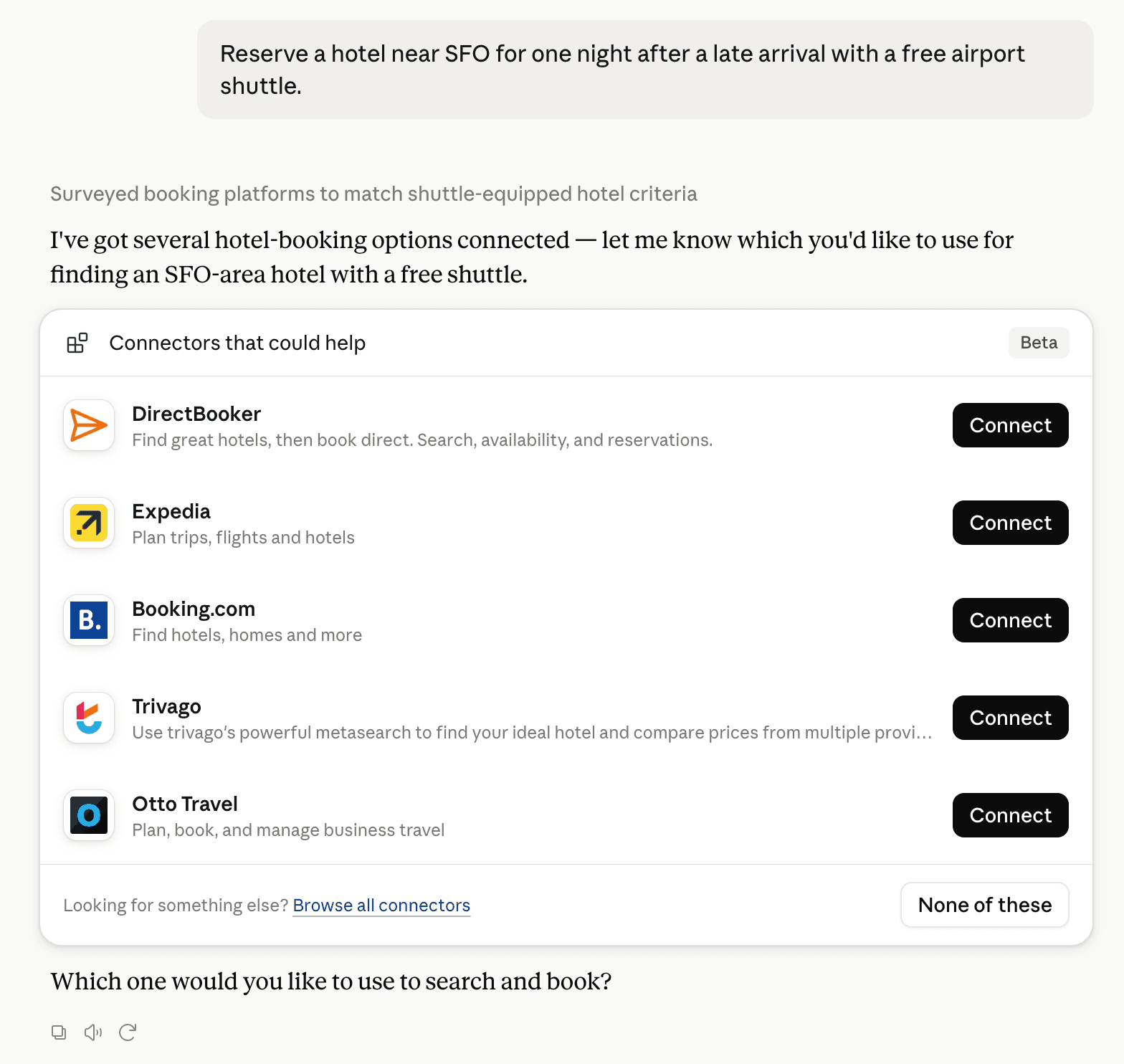
Claude can surface verified Connectors when they match a user’s Prompt.
How Claude Connector discovery works
Your Connector will compete to appear for users’ Prompts once Claude verifies it
Competitive lineup
38 tools agents can invoke

Home3dplan Claude Connector FAQ
How the directory, categories and Discoverability Score work.
Read the methodologyHow do I improve Home3dplan's Claude Connector discoverability?
The levers are the listing surface agents actually read: names, descriptions, keywords, tool metadata, and registry health. Which lever matters depends on where discovery breaks, which is what continuous measurement shows.
Where is this profile measured?
This profile uses the geography attached to the latest public registry snapshot: US. Locale tags are intentionally omitted.