
 View in the ChatGPT registry
- Brand
- Unknown
- Category
- Pending
- Primary Subcategory
- Web Search, Crawling & Extraction for Agents
Integration details
Description
localscreenshot takes a screenshot of a public web page and brings the image back into the conversation, so you and the assistant can look at the page as a visitor sees it. What you can ask for: - a screenshot of a page at desktop size, or as it looks on a phone or a tablet - the full scrollable page instead of the visible part - a single element of the page - the page as it is served to a visitor in a country you choose - a PNG, JPEG or WebP image, or the whole page saved as a PDF - dark mode, and most cookie banners and ads hidden in the picture With each screenshot you get the page title, the final address after redirects and the HTTP status the page answered with. When you ask for a country, the answer reports the country the page was actually loaded from, which is observed at the time of the screenshot and not assumed from your request. If the page cannot be loaded from that country, the screenshot fails and says so. You can also ask how many credits your account has left. Who it is for: people who review websites, write reports, check a landing page, compare how a page looks on a phone or in another country, or want the assistant to see a page before talking about it. Limits: it only opens public http and https pages. It does not log in to websites, does not type into forms, does not click on the page, does not solve bot checks or CAPTCHAs and does not get past paywalls. A page that answers with a bot check is reported as a failure. A website can tell that a visit is automated and may serve a different page. Private and internal network addresses are refused. The country reported is a technical observation, not a legal proof. You need a localscreenshot account. The plugin connects to it with your consent and uses the credits of that account. It cannot see your API keys, invoices or settings. Every screenshot is saved to the screenshot list of your account, where you can delete it. You can disconnect the plugin at any time from your localscreenshot dashboard.
- Integration type
- Plugin
- Verification status
- Not applicable
- Platform
- ChatGPT
- Category
- Pending
- Primary Subcategory
- Web Search, Crawling & Extraction for Agents
- Secondary Subcategories
- None listed
- Brand
- Unknown
- Access
- Account required
- First tracked
- 2026-10-29
- Tool count
- 3
- Market
- US
The broad Category that contains the Primary Subcategory.
The Primary Subcategory used for this profile’s headline score.
Other Subcategories where the Integration is listed.
 Agent DiscoverabilityChatGPT Plugin Discovery Score
Your score is coming
ChatGPT now suggests Plugins on its own when they match a user's request.Your Plugin Discovery Score measures how often yours appears, and it will show here as soon as it’s ready.
What discovery looks like
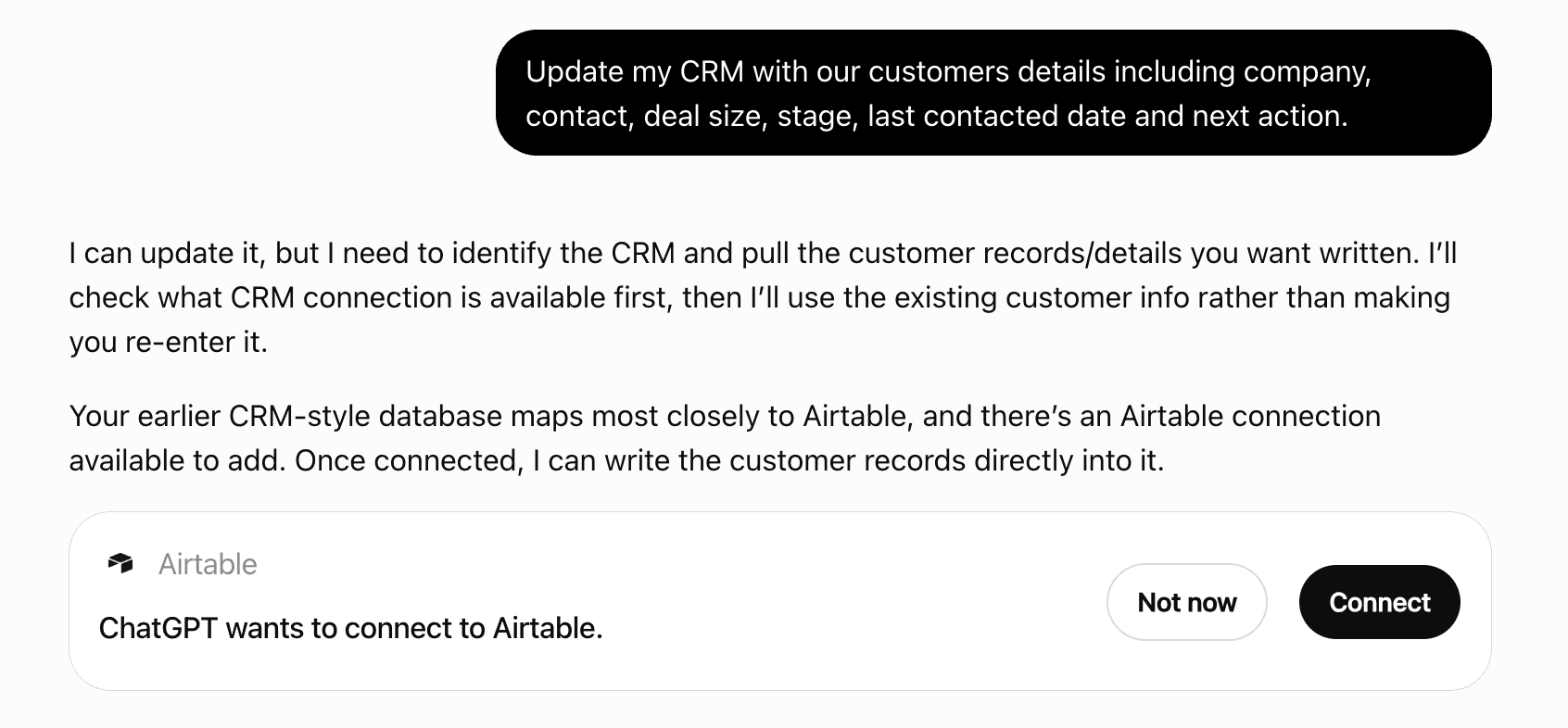
Get alerts for localscreenshot
Get updates when localscreenshot’s Discoverability Score or category rank changes.
Competing in ChatGPT Web Search, Crawling & Extraction for Agents
View Category3 tools agents can invoke

localscreenshot ChatGPT Plugin FAQ
How the directory, categories and Discoverability Score work.
Read the methodologyHow do I improve localscreenshot's ChatGPT Plugin discoverability?
The levers are the listing surface agents actually read: names, descriptions, keywords, tool metadata, and registry health. Which lever matters depends on where discovery breaks, which is what continuous measurement shows.
What are localscreenshot alternatives on ChatGPT?
As of 2026-10-29, localscreenshot competes with Alpenmarketing Link-Check, Answer Images, Aya Web Extract, CaptureGPT, Chat Search, Context.dev, DataBlue, Deep research and 27 more in ChatGPT Web Search, Crawling & Extraction for Agents, ranked by public Discoverability Score.
Where is this profile measured?
This profile uses the geography attached to the latest public registry snapshot: US. Locale tags are intentionally omitted.