
AccessEXL Excel Model
Run calculations in your own Excel model from Claude: read its inputs and outputs, test scenarios and get answers grounded in the workbook's real formulas.
 View in the Claude registry
- Brand
- Unknown
- Category
- Pending
- Primary Subcategory
- Financial Planning & FP&A Analytics
Integration details
Description
AccessEXL connects Claude to one Excel workbook stored in your SharePoint, through a controlled API that the workbook owner configures. The owner chooses which named input cells, output cells and tables are exposed; Claude never sees the rest of the file or the underlying formulas. With this connector Claude can: read the workbook's configured inputs and outputs, with their display names, descriptions, types, limits and allowed values run a scenario: write a set of inputs, recalculate the workbook in Excel and return the resulting outputs in one step update inputs, or read the current outputs Because the answers come from your own Excel model, the numbers follow your business rules exactly: pricing models, financial forecasts, quoting tools, budgets and other calculators built by your team. Inputs are validated against the limits set in the workbook, and every call is recorded (metadata only) in the organisation's activity log. You need an AccessEXL account and a workbook connected in AccessEXL. When you connect, AccessEXL asks for that workbook's API key; one connector is one workbook. For access to all approved models through a single connection, see the AccessEXL Agent Capabilities connector.
- Integration type
- Connector
- Verification status
 Community connector
- Platform
- Claude
- Category
- Pending
- Primary Subcategory
- Financial Planning & FP&A Analytics
- Secondary Subcategories
- None listed
- Brand
- Unknown
- Access
- Account required
- First tracked
- 2026-10-11
- Tool count
- 4
- Geography
- US
The broad Category that contains the Primary Subcategory.
The Primary Subcategory used for this profile’s headline score.
Other Subcategories where the Integration is listed.
 Agent DiscoverabilityClaude Discoverability Score
Claude Connector discovery is coming soon
Community Connectors only appear in Claude’s registry.Once verified, organic discovery begins and we can calculate your score.Read more about Community Connector verification.
No spam. Unsubscribe any time.
No spam. Unsubscribe any time.
What discovery looks like
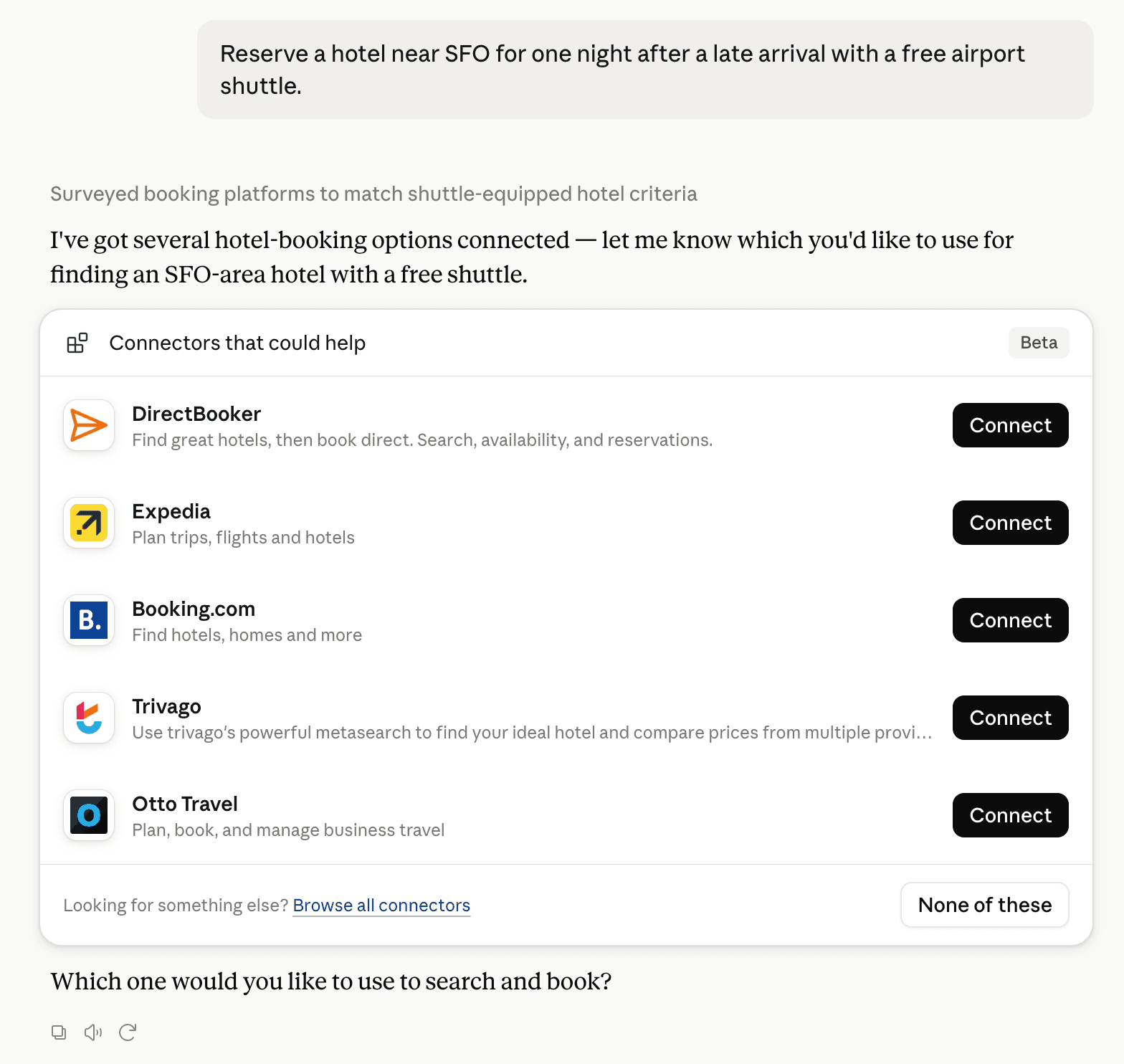
Claude can surface verified Connectors when they match a user’s Prompt.
How Claude Connector discovery works
Your Connector will compete to appear for users’ Prompts once Claude verifies it
Competing in Claude Financial Planning & FP&A Analytics
View Category4 tools agents can invoke

AccessEXL Excel Model Claude Connector FAQ
How the directory, categories and Discoverability Score work.
Read the methodologyHow do I improve AccessEXL Excel Model's Claude Connector discoverability?
The levers are the listing surface agents actually read: names, descriptions, keywords, tool metadata, and registry health. Which lever matters depends on where discovery breaks, which is what continuous measurement shows.
What are AccessEXL Excel Model alternatives on Claude?
As of 2026-10-13, AccessEXL Excel Model competes with Intuit QuickBooks, Datarails FinanceOS, ChartMogul, Kick, Xero, Chargebee, Meridian Connector for QuickBooks, Atlar and 29 more in Claude Financial Planning & FP&A Analytics, ranked by public Discoverability Score.
Where is this profile measured?
This profile uses the geography attached to the latest public registry snapshot: US. Locale tags are intentionally omitted.