Everythings
Organize chat information into nestable 'things', similar to mobile home screen icons.
- Category
- Productivity
- Primary Subcategory
- Shared Team AI Workspaces & Skill Libraries
 View in the Claude registry
Integration details
Description
A good conversation produces thinking worth keeping, and then it stays in a chat window that almost nobody scrolls back through. Everythings gives that output somewhere to live. A workspace holds a tree of "things". A thing is one unit of thought: a name, a Markdown body, and a position among other things. Things nest inside each other, so part of what a thing means comes from where it sits. This connector lets Claude read and write that structure directly, so a conversation becomes an input method and the thing is where the result stays. What Claude can do: - Search across every workspace you have access to, by name, tags, or body text - Read a thing's full content, along with its sub-items, comments, and reactions - Create and edit things, nest them, reorder them, and move or copy them between workspaces - Create and rename workspaces - Add comments and react with emoji marks - Ask you a question on a thing, and read your answer later Ask Claude to keep what you just worked out ("save this under Travel") or pull back something from months ago ("what did we decide about the roof?"). When Claude works on something while you are away, it can stop and ask. The question waits on the thing in the Everythings app, which notifies you; you answer from your phone or the web, and Claude reads the answer on its next run. Everything Claude writes is labeled with its name, and an inbox in each workspace lists what changed since you last looked. Read tools are annotated read-only, so they run without a confirmation each time. Edits and deletions are annotated destructive, so Claude asks before making them. Editing replaces content in full, so Claude reads the current version first. Authentication is OAuth. Sign in with your Everythings account, grant access once, and revoke it at any time from your Everythings settings. The connector reaches only the workspaces your account can open. An Everythings account is all you need; the free plan is enough.
- Integration type
- Connector
- Verification status
 Community connector
- Platform
- Claude
- Primary Subcategory
- Shared Team AI Workspaces & Skill Libraries
- Secondary Subcategories
- None listed
- Brand
- Everythings
- Access
- Account required
- First tracked
- 2026-08-04
- Tool count
- 26
- Geography
- US
The Primary Subcategory used for this profile’s headline score.
Other Subcategories where the Integration is listed.
Claude Discoverability Score
Claude Connector discovery is coming soon
Community Connectors only appear in Claude’s registry.Once verified, organic discovery begins and we can calculate your score.Read more about Community Connector verification.
No spam. Unsubscribe any time.
No spam. Unsubscribe any time.
What discovery looks like
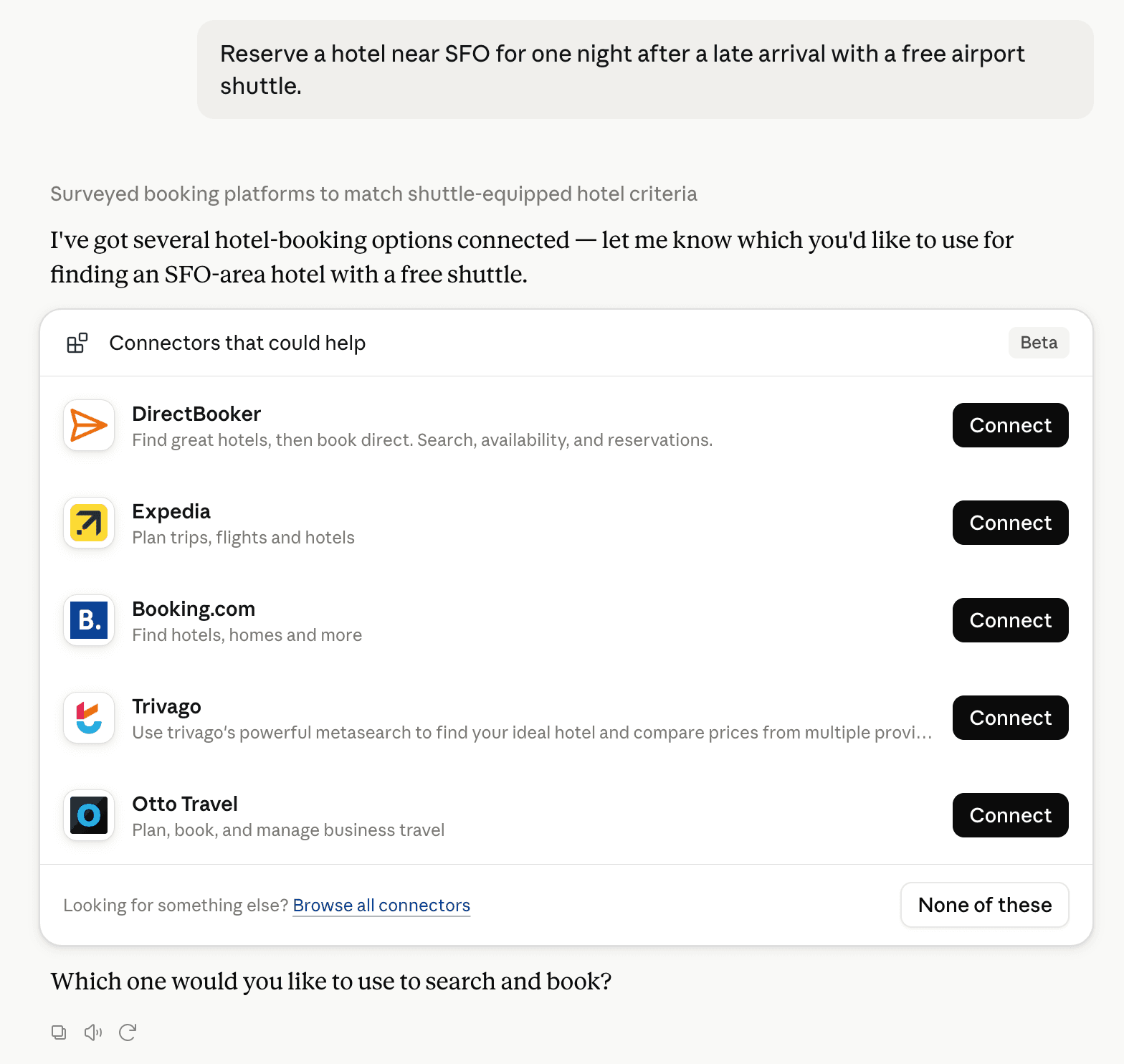
Claude can surface verified Connectors when they match a user’s Prompt.
How Claude Connector discovery works
Your Connector will compete to appear for users’ Prompts once Claude verifies it
Competing in Claude Shared Team AI Workspaces & Skill Libraries
View Category26 tools agents can invoke
How do I improve a Community connector's discoverability?
The levers are the listing surface agents actually read: names, descriptions, keywords, tool metadata, and registry health. Which lever matters depends on where discovery breaks, which is what continuous measurement shows.
What are Everythings alternatives on Claude?
As of 2026-09-28, Everythings competes with agent-wiki, AgentGrid.io, Automo, Expertise AI, Fieldwerk, Lawve AI, Memco Shared Memory, Plainpaper, skilder, SkilzVolt, Steady, TextExpander, Vibsync, Wyatt in Claude Shared Team AI Workspaces & Skill Libraries, ranked by public Discoverability Score.
Where is this profile measured?
This profile uses the geography attached to the latest public registry snapshot: US. Locale tags are intentionally omitted.