
LotsTeam
Run your LotsTeam feedback board and tasks from Claude: log requests, create tasks, draft support replies and write changelog entries for you to approve.
 View in the Claude registry
- Brand
- LotsTech
- Category
- Operations
- Primary Subcategory
- AI Product Spec & Build Planning
Integration details
Description
Close the loop with your customers from LotsTeam. Claude logs what people ask for on your LotsTeam board, turns requests into tasks, drafts replies to support messages and writes the changelog entry when it ships. You approve what goes out. Try asking: - "Log a feature request from today's call: dark mode for the mobile app" - "What are the top open requests on my project, and which are linked to tasks?" - "Create a task for the CSV export request and link the three posts that asked for it" - "Draft a changelog entry for the CSV export and show it to me before publishing" - "Show me new support messages and draft a reply to the latest one" What you get: - No request gets lost: log requests, bugs and ideas on a project, as yourself or for the customer who asked - Requests that become work: create and update tasks, comment, and move them between todo, in progress and done - One voice per request: link posts to the task that delivers them, and merge duplicates so votes add up - Customers who hear back: draft and publish changelog entries, and email the people whose requests shipped - A calmer support inbox: read messages, set status, priority and assignee, and reply on the thread - Know how support is doing: open cases, response times and ratings for each project - A portal on your domain: connect your own domain to a project's public portal and check it is live - Team access: list members, invite people and update roles You stay in control. Replies and changelog publishing need your connection's Send permission, and Claude shows you the draft first. Claude asks before it emails the people whose requests shipped. Inviting members needs Send. Removing members, changing roles and deleting changelog drafts or comments need Delete. Everything shows in your LotsTeam dashboard and on your public portal.
- Integration type
- Connector
- Verification status
 Community connector
- Platform
- Claude
- Primary Subcategory
- AI Product Spec & Build Planning
- Secondary Subcategories
- None listed
- Brand
- LotsTech
- Access
- Account required
- First tracked
- 2026-10-27
- Tool count
- 51
- Geography
- US
The Primary Subcategory used for this profile’s headline score.
Other Subcategories where the Integration is listed.
 Agent DiscoverabilityClaude Discoverability Score
Claude Connector discovery is coming soon
Community Connectors only appear in Claude’s registry.Once verified, organic discovery begins and we can calculate your score.Read more about Community Connector verification.
No spam. Unsubscribe any time.
What discovery looks like
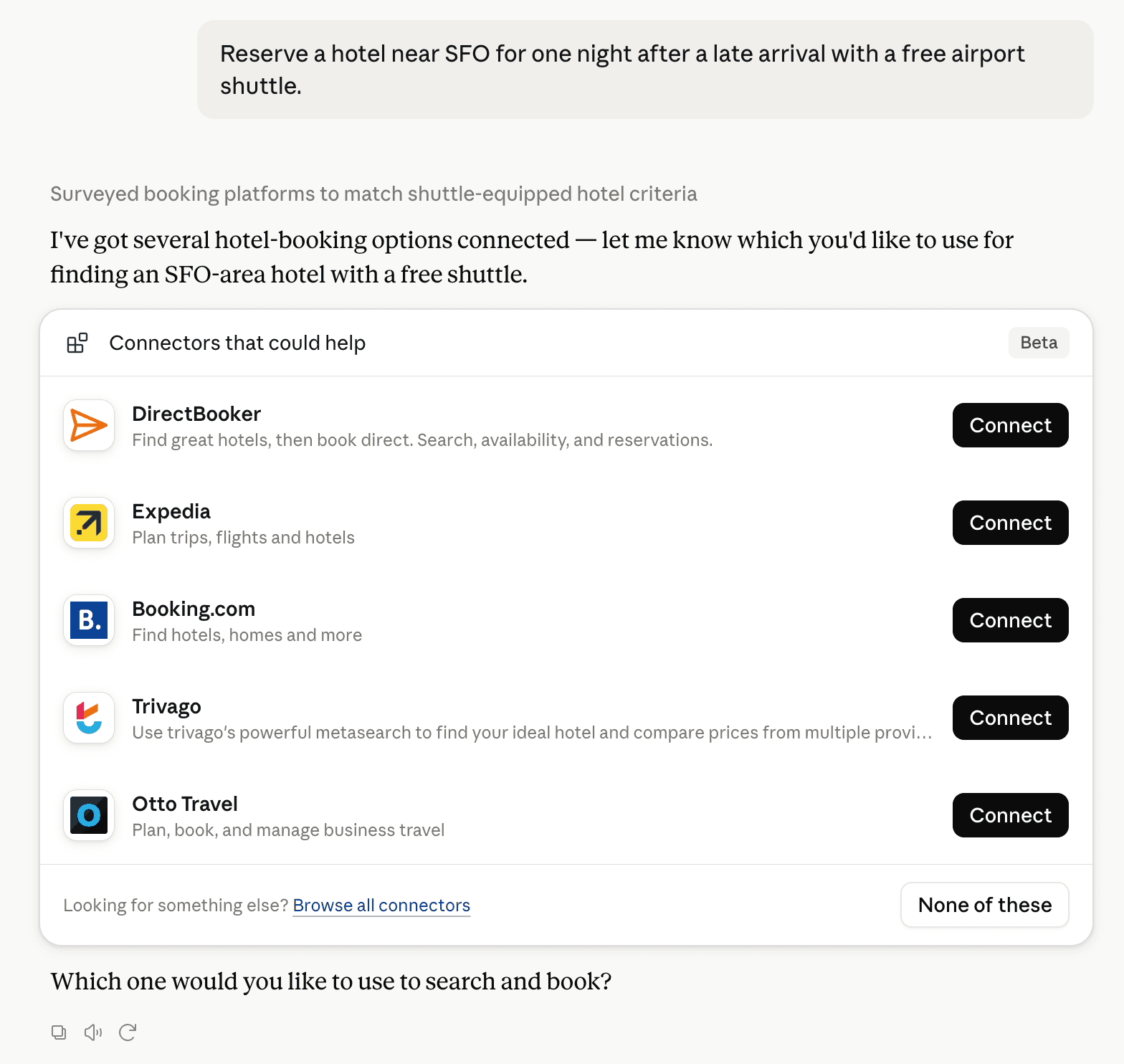
Claude can surface verified Connectors when they match a user’s Prompt.
How Claude Connector discovery works
Your Connector will compete to appear for users’ Prompts once Claude verifies it
Competing in Claude AI Product Spec & Build Planning
View Category51 tools agents can invoke

LotsTeam Claude Connector FAQ
How the directory, categories and Discoverability Score work.
Read the methodologyHow do I improve LotsTeam's Claude Connector discoverability?
The levers are the listing surface agents actually read: names, descriptions, keywords, tool metadata, and registry health. Which lever matters depends on where discovery breaks, which is what continuous measurement shows.
What are LotsTeam alternatives on Claude?
As of 2026-10-28, LotsTeam competes with Productive, Linear, Fibery, Atlassian MCP, Notion, Todoist, Asana, monday.com and 29 more in Claude AI Product Spec & Build Planning, ranked by public Discoverability Score.
Where is this profile measured?
This profile uses the geography attached to the latest public registry snapshot: US. Locale tags are intentionally omitted.