
Product Upload
Import products from AliExpress, Alibaba, Amazon or any supplier site into Shopify, Wix or WooCommerce, then edit prices, stock and variants with undo.
 View in the Claude registry
- Brand
- Product Upload
- Category
- Commerce
- Primary Subcategory
- Marketplace Seller, Dropship & Wholesale Tools
Integration details
Description
Product Upload connects Claude to your online store so you can manage products by asking. - Import from suppliers. Give it a product link, a category page or a supplier's site. It checks what is already in your store, then imports the new products with your saved settings: price multiplier and rounding, currency conversion, collections, inventory and writing style. Products arrive as drafts unless you choose otherwise. Works with AliExpress, Alibaba, 1688, Amazon, Shein, CJ Dropshipping, eBay, Etsy, Walmart, Faire and Taobao, as well as most brand and wholesale supplier websites, for dropshipping or wholesale stores. - Edit products you already sell. Change titles, descriptions, SEO, tags, prices, compare-at prices, SKUs, stock, variants, options, images, collections and collection order. It reads the product first and changes only what you asked for. - Undo. Every edit is saved before it is made, so you can ask to undo it. Anything you changed yourself since is left alone. - Check on imports. See how an import is going, what failed and why, and how many credits you have left. Works with Shopify, WooCommerce (plugin 1.3.0 or later) and Wix. On Wix, editing covers titles, descriptions, prices, cost, SKUs, stock, images and collections. You choose which of your stores Claude can reach and whether it can only read or also make changes, and you can switch or remove access at any time in Settings, AI assistants. It cannot see orders, customers or payment details. Connecting is free; imported products use your normal Product Upload credits, and edits are free. You need a Product Upload account (the free plan works) with a Shopify, Wix or WooCommerce store connected through the Product Upload app or plugin.
- Integration type
- Connector
- Verification status
 Community connector
- Platform
- Claude
- Primary Subcategory
- Marketplace Seller, Dropship & Wholesale Tools
- Secondary Subcategories
- None listed
- Brand
- Product Upload
- Access
- Account required
- First tracked
- 2026-10-30
- Tool count
- 19
- Market
- US
The Primary Subcategory used for this profile’s headline score.
Other Subcategories where the Integration is listed.
 Agent DiscoverabilityClaude Discoverability Score
Claude Connector discovery is coming soon
Community Connectors only appear in Claude’s registry.Once verified, organic discovery begins and we can calculate your score.Read more about Community Connector verification.
No spam. Unsubscribe any time.
What discovery looks like
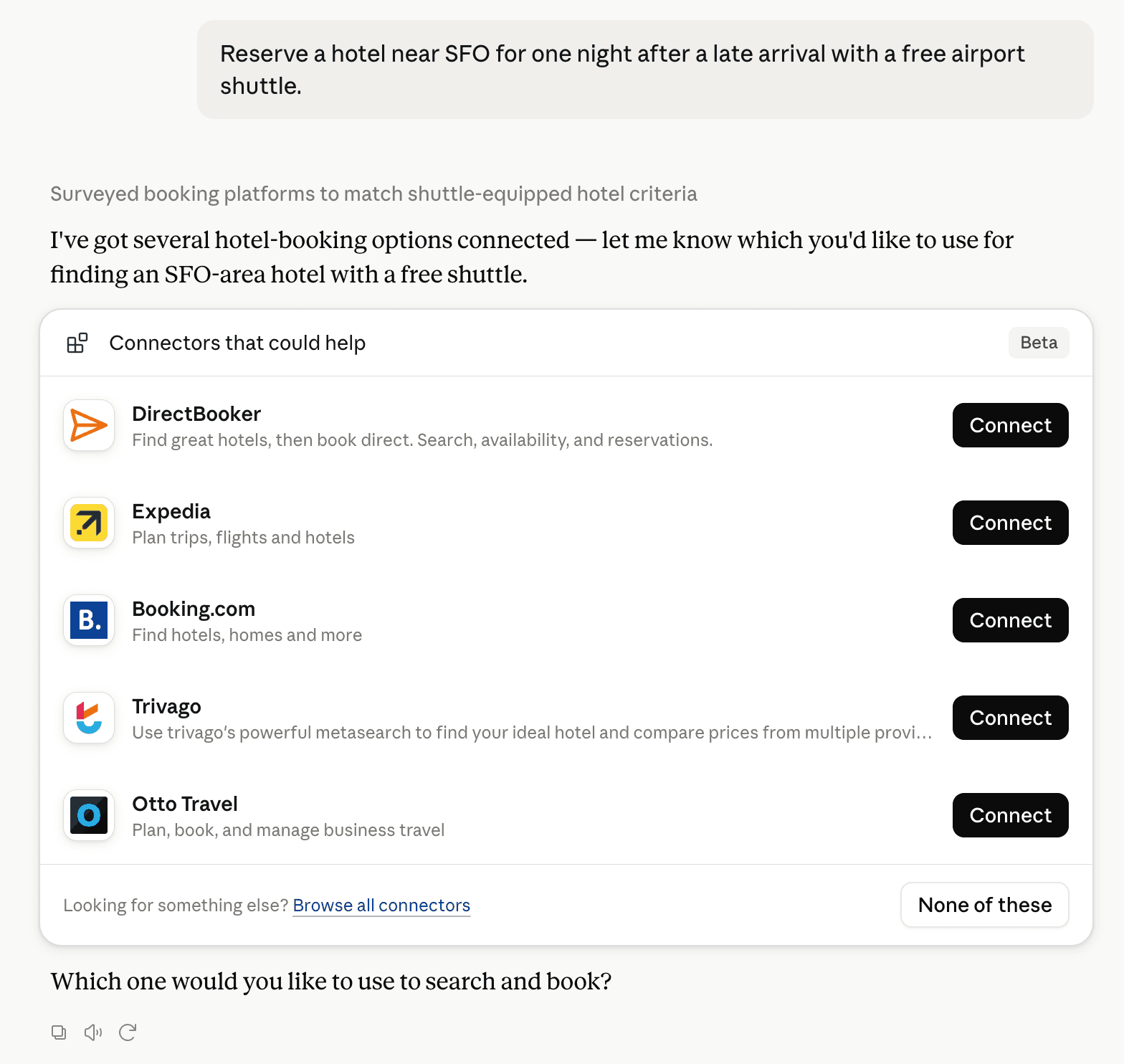
Claude can surface verified Connectors when they match a user’s Prompt.
How Claude Connector discovery works
Your Connector will compete to appear for users’ Prompts once Claude verifies it
Competing in Claude Marketplace Seller, Dropship & Wholesale Tools
View Category19 tools agents can invoke

Product Upload Claude Connector FAQ
How the directory, categories and Discoverability Score work.
Read the methodologyHow do I improve Product Upload's Claude Connector discoverability?
The levers are the listing surface agents actually read: names, descriptions, keywords, tool metadata, and registry health. Which lever matters depends on where discovery breaks, which is what continuous measurement shows.
What are Product Upload alternatives on Claude?
As of 2026-10-31, Product Upload competes with 3dsellers MCP, Adzviser eBay, AfterShip Channels for TikTok Shop, AgentXray — Amazon Seller Central & Ads, Amazon Selling Partner, AMZScout Skill + MCP, apMZoomAI · Dongdaemun wholesale, AutoDS — Dropshipping Product Research & Store Automation and 40 more in Claude Marketplace Seller, Dropship & Wholesale Tools, ranked by public Discoverability Score.
Where is this profile measured?
This profile uses the geography attached to the latest public registry snapshot: US. Locale tags are intentionally omitted.