
Serplyze
Analyze your Google Search Console data by keyword groups, page groups and topics in Serplyze: trends, movers, pages and alerts. Read-only.
 View in the Claude registry
- Brand
- Serplyze
- Category
- Data & Analytics
- Primary Subcategory
- SEO Rank Tracking & Keyword Research
Integration details
Description
Serplyze organizes your own Google Search Console data into groups you define, so you can analyze it the way you think about your site: by keyword groups (topics, products, brand vs. non-brand), by page groups (sections, templates, folders) and over time. This connector lets Claude read those grouped views from your Serplyze workspace, so you can ask questions in plain language instead of exporting and pivoting spreadsheets. What you can ask - How a keyword group or page group performed: clicks, impressions, CTR and average position over any date range, against the previous period or the same days a year earlier. - Which groups, keywords and pages are growing or declining, which keywords started ranking and which dropped out. - How the whole site did, broken down by country, device, search appearance and brand vs. non-brand. - Which pages each query lands on, and where several of your pages compete for the same query (cannibalization). - The daily history of a keyword, plus open alerts and chart notes (releases, migrations, campaigns) that explain changes. - Estimated traffic from AI-style searches and, for workspaces that link Google Analytics 4, organic revenue and modelled revenue per query. How it works You sign in to Serplyze, pick a workspace and approve read-only access (OAuth 2.1 with PKCE). Claude then sees only the projects you can see in that workspace. Every tool is read-only: the connector cannot add, change or delete anything in Serplyze or in Google Search Console, and it has no access to billing, team or connection settings. Numbers are the same as in the Serplyze app and REST API. You can disconnect at any time in Serplyze under Settings › API and Sheets › Connected apps. Requirements A Serplyze account with at least one Search Console property connected, on a plan that includes the API and MCP server.
- Integration type
- Connector
- Verification status
 Community connector
- Platform
- Claude
- Primary Subcategory
- SEO Rank Tracking & Keyword Research
- Secondary Subcategories
- None listed
- Brand
- Serplyze
- Access
- Account required
- First tracked
- 2026-10-26
- Tool count
- 16
- Market
- US
The Primary Subcategory used for this profile’s headline score.
Other Subcategories where the Integration is listed.
 Agent DiscoverabilityClaude Discoverability Score
Claude Connector discovery is coming soon
Community Connectors only appear in Claude’s registry.Once verified, organic discovery begins and we can calculate your score.Read more about Community Connector verification.
No spam. Unsubscribe any time.
What discovery looks like
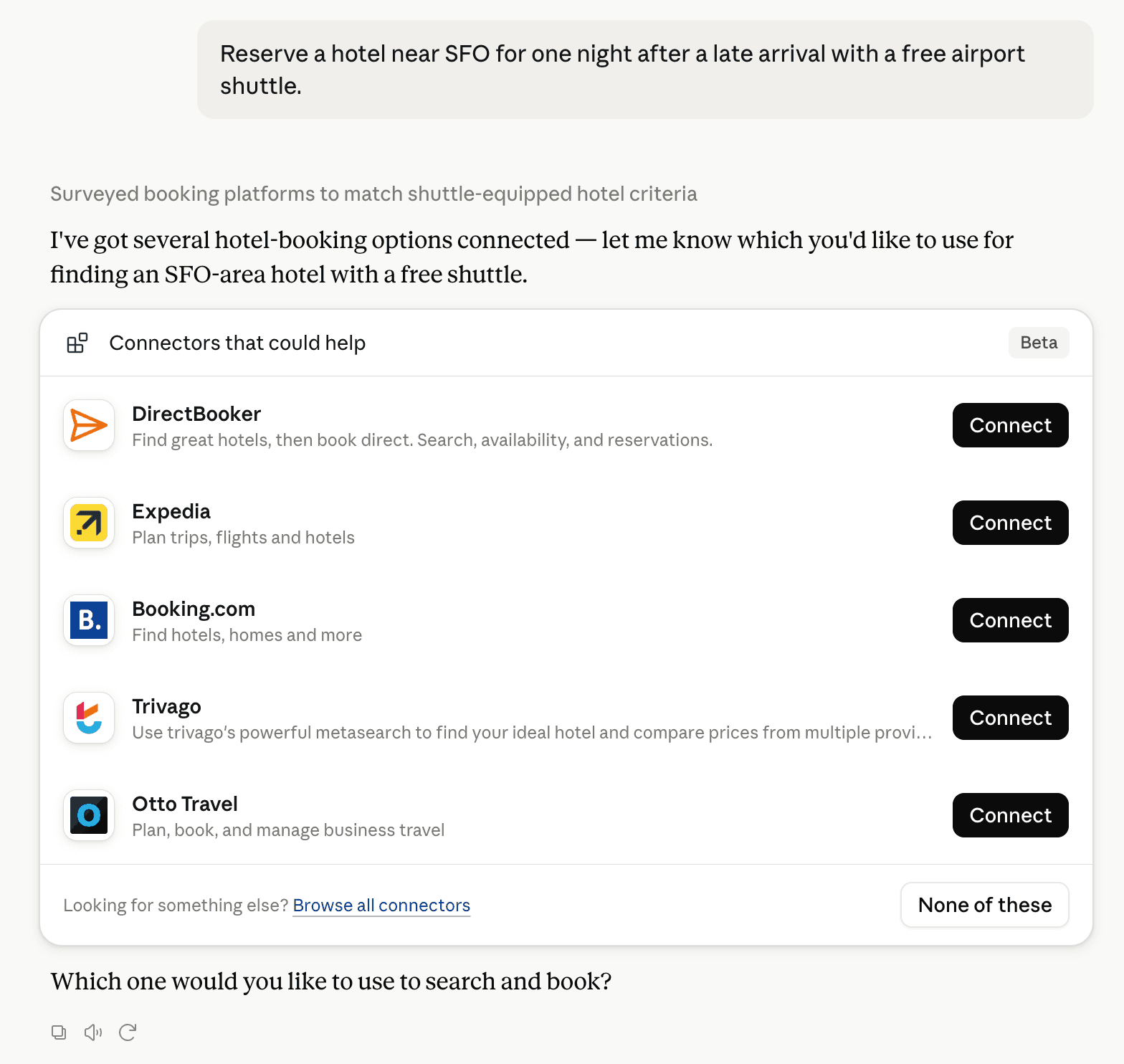
Claude can surface verified Connectors when they match a user’s Prompt.
How Claude Connector discovery works
Your Connector will compete to appear for users’ Prompts once Claude verifies it
Competing in Claude SEO Rank Tracking & Keyword Research
View Category
16 tools agents can invoke

Serplyze Claude Connector FAQ
How the directory, categories and Discoverability Score work.
Read the methodologyHow do I improve Serplyze's Claude Connector discoverability?
The levers are the listing surface agents actually read: names, descriptions, keywords, tool metadata, and registry health. Which lever matters depends on where discovery breaks, which is what continuous measurement shows.
What are Serplyze alternatives on Claude?
As of 2026-10-28, Serplyze competes with Ahrefs, OpenSEO, Ubersuggest, Semrush, OpenRush, Supermetrics Marketing Analytics, Contentful MCP, Contentsquare and 81 more in Claude SEO Rank Tracking & Keyword Research, ranked by public Discoverability Score.
Where is this profile measured?
This profile uses the geography attached to the latest public registry snapshot: US. Locale tags are intentionally omitted.