
 View in the Claude registry
- Brand
- Clipform
- Category
- Content & Design
- Primary Subcategory
- Form & Survey Builders
Integration details
Description
Clipform turns a conversation into an interactive, video-first form. Describe the quiz, survey, feedback form, or sign-up you want, and Claude builds it in your Clipform workspace - questions, options, scoring, answer feedback, an end screen, and a shareable link - in one go. Respondents can reply by video, audio, or text, which lifts completion and gives you richer answers than a plain web form. Ask for changes in plain language: add or reword a question, reorder the flow, change settings, publish or unpublish. Then ask what came in - response counts, per-option breakdowns, and recent open-text replies - without leaving Claude. What you can do: - Build a form in one message from a mix of steps: multiple choice, open text (video, audio, or typed), contact details, buttons, links, file downloads, and an end screen - Create scored quizzes that show respondents whether they got each answer right - Import an existing public Google Form as a draft, then rebuild it video-first - Edit any form conversationally: add, update, delete, and reorder questions; change titles, settings, and publish status - Read results: totals, per-option breakdowns, and individual text responses filtered by time Great for quizzes, feedback surveys, contact and sign-up forms, and video testimonial requests - anywhere a conversation converts better than a static form. Your workspace, plan limits, and existing forms are always respected, and deleting a form or question asks you to confirm first. Requires a Clipform account, free to start.
- Integration type
- Connector
- Verification status
 Community connector
- Platform
- Claude
- Primary Subcategory
- Form & Survey Builders
- Secondary Subcategories
- None listed
- Brand
- Clipform
- Access
- Account required
- First tracked
- 2026-09-04
- Tool count
- 15
- Geography
- US
The Primary Subcategory used for this profile’s headline score.
Other Subcategories where the Integration is listed.
 Agent DiscoverabilityClaude Discoverability Score
Claude Connector discovery is coming soon
Community Connectors only appear in Claude’s registry.Once verified, organic discovery begins and we can calculate your score.Read more about Community Connector verification.
No spam. Unsubscribe any time.
What discovery looks like
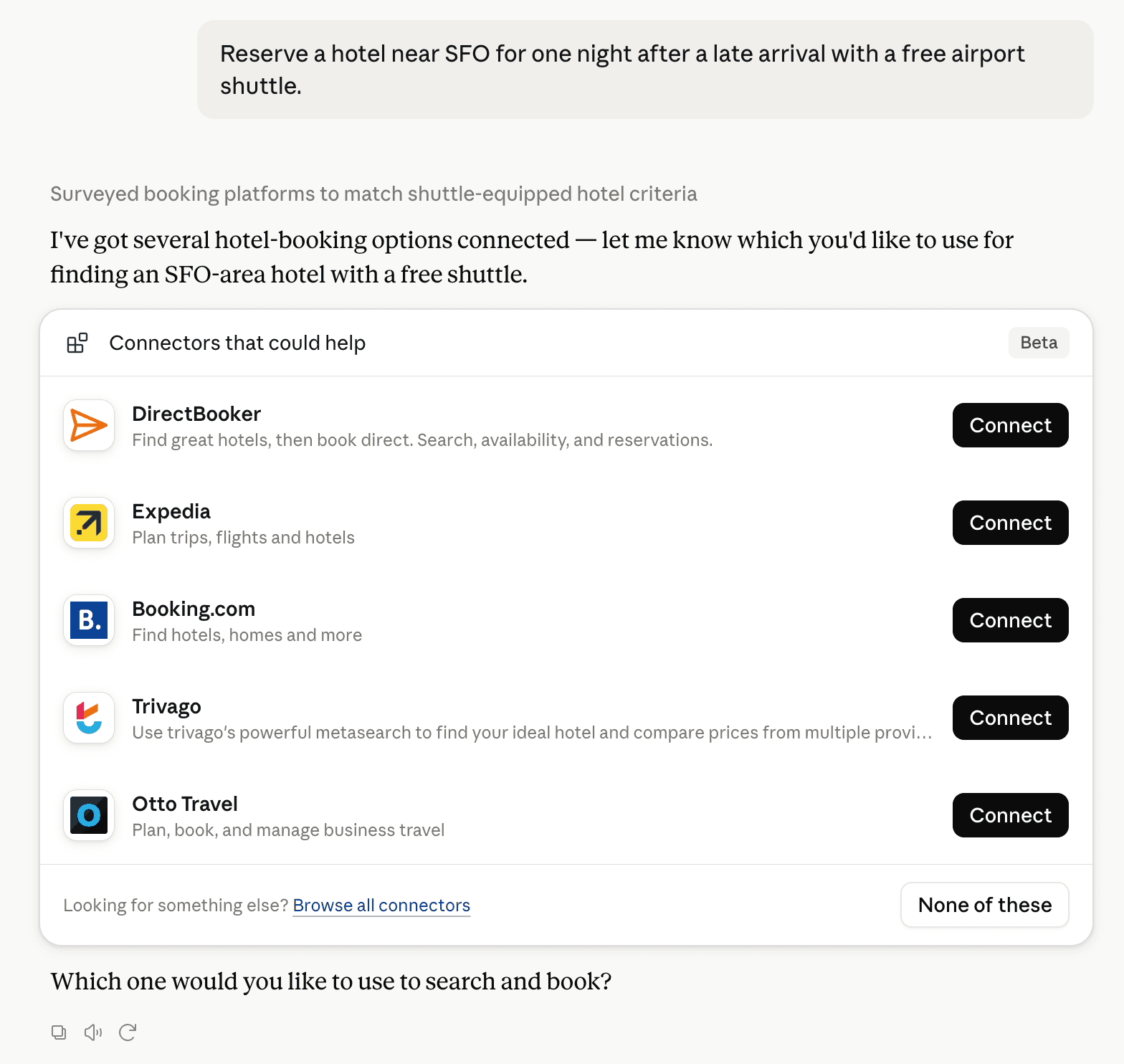
Claude can surface verified Connectors when they match a user’s Prompt.
How Claude Connector discovery works
Your Connector will compete to appear for users’ Prompts once Claude verifies it
Competing in Claude Form & Survey Builders
View Category
15 tools agents can invoke

Clipform Claude Connector FAQ
How the directory, categories and Discoverability Score work.
Read the methodologyHow do I improve Clipform's Claude Connector discoverability?
The levers are the listing surface agents actually read: names, descriptions, keywords, tool metadata, and registry health. Which lever matters depends on where discovery breaks, which is what continuous measurement shows.
What are Clipform alternatives on Claude?
As of 2026-10-28, Clipform competes with Anota, BriefGate, Cognito Forms, Dayalogs, Deformity, deoochform, dForms, empirio.ai and 31 more in Claude Form & Survey Builders, ranked by public Discoverability Score.
Where is this profile measured?
This profile uses the geography attached to the latest public registry snapshot: US. Locale tags are intentionally omitted.