Revisions

Construction drawings, revisions, RFIs and punch lists: ask what changed in the set, what is open and who has it - and create items.

View in the Claude registry
Integration details

Description

Revisions keeps a construction project's drawings current for general contractors, subcontractors and design teams. Upload a bulletin or addendum and every changed sheet becomes a new revision, with the change highlighted; RFIs, punch items, submittals, change orders and inspections live on the drawings; transmittals and the project directory sit alongside. The Revisions connector lets Claude work with all of it, as you: - Ask what changed: which sheets were revised or added since a date or in the last bulletin, and how much each drawing changed. - Look up any sheet's full revision history, or find every sheet that mentions a room, system or detail - the words printed on the drawings are searchable. - See open RFIs, punch items and submittals, who has them, what is overdue, and everything assigned to you across projects. - Read an item's details, answer, signatures and comment thread; check the transmittal log and the project directory. - With your permission, create items (on a sheet, assigned and with a due date), comment on them, and close or reopen them. Claude sees only what you can see in Revisions, with your role on each project; a subcontractor sees only what is shared with subs. Every answer links back to the sheet or item in Revisions. Nothing can be deleted through the connector, and a company administrator can turn AI apps off for the whole company. Requires a Revisions account (revisions.build), including a free account or a guest invited to a project.

Integration type
Connector
Verification status
Community connector
Platform
Claude
Category
Operations

The broad Category that contains the Primary Subcategory.

Primary Subcategory
Project & Task Management Platforms

The Primary Subcategory used for this profile’s headline score.

Secondary Subcategories
None listed

Other Subcategories where the Integration is listed.

Access
Account required
First tracked
2026-10-09
Tool count
14
Geography
US
Agent DiscoverabilityClaude Discoverability Score

Claude Connector discovery is coming soon

Community Connectors only appear in Claude’s registry.Once verified, organic discovery begins and we can calculate your score.Read more about Community Connector verification.

No spam. Unsubscribe any time.

No spam. Unsubscribe any time.

What discovery looks like
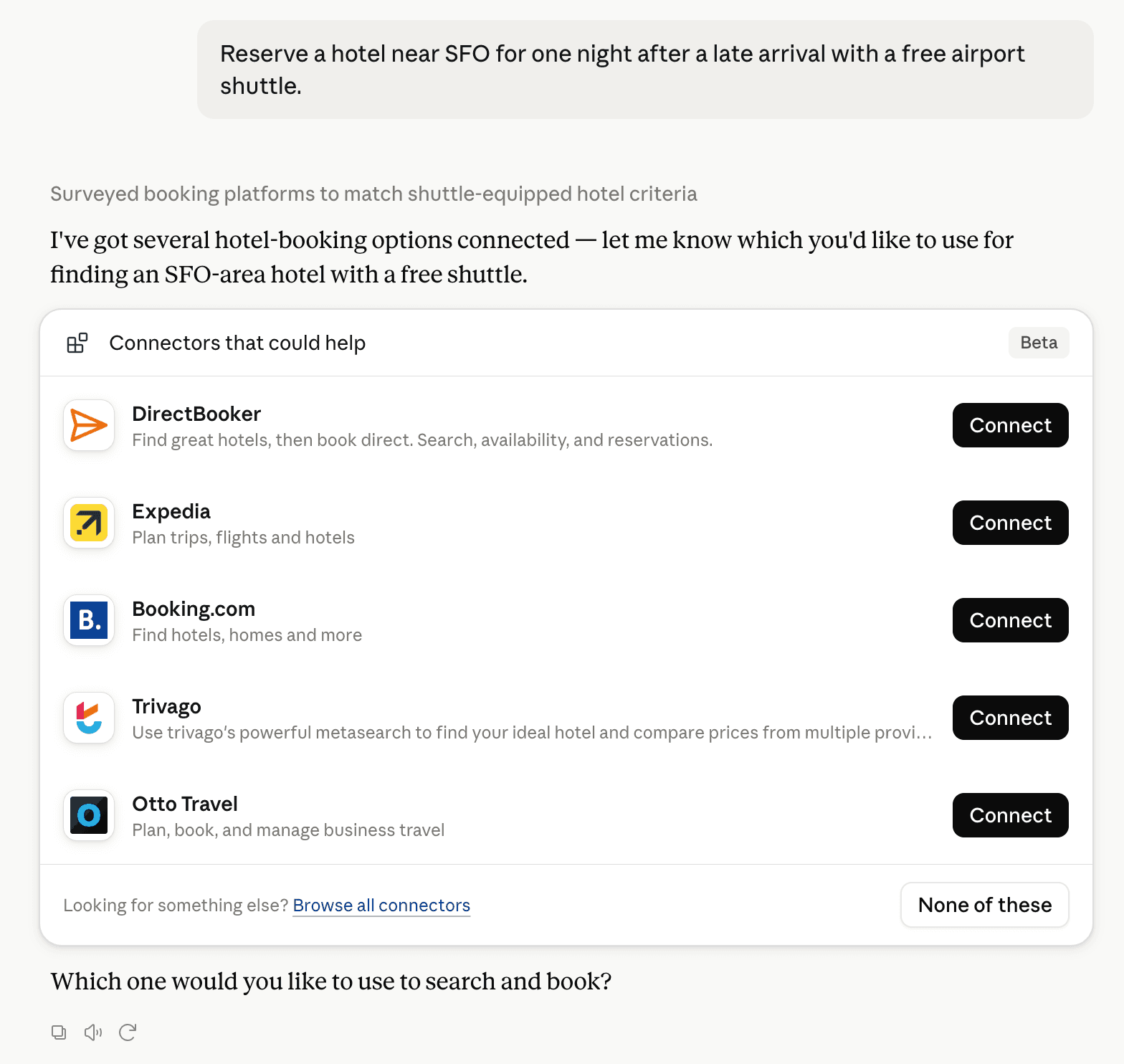
Claude showing a list of relevant Connectors in a conversation

Claude can surface verified Connectors when they match a user’s Prompt.

Primary Subcategory
18 scoredVerified connectors by score · Community connectors A–Z
Primary Subcategory
1monday.com96/100
2Asana94/100
3ClickUp80/100
4Linear53/100
5Atlassian MCP31/100
—AerionPending VerificationGet notified
—AIOProductOSPending VerificationGet notified
—AtelierPending VerificationGet notified
—BasicOpsPending VerificationGet notified
—Checklist for JiraPending VerificationGet notified
—CineFloPending VerificationGet notified
—coadmapPending VerificationGet notified
—CoCanvasPending VerificationGet notified
—ConstructablePending VerificationGet notified
—ContrealPending VerificationGet notified
—CyklPending VerificationGet notified
—DailyDashboardPending VerificationGet notified
—DocketPending VerificationGet notified
—East Agile TrackerPending VerificationGet notified
—ElixionPending VerificationGet notified
—EnkinGTPending VerificationGet notified
—eResource SchedulerPending VerificationGet notified
—EstiMatePending VerificationGet notified
—Fareeqy | فريقيPending VerificationGet notified
—flowPending VerificationGet notified
—Flow StatePending VerificationGet notified
—FlowsPending VerificationGet notified
—FlowyTeamPending VerificationGet notified
—GatherdPending VerificationGet notified
—GetItDonePending VerificationGet notified
—Giljo HQPending VerificationGet notified
—Hapibit Church PlannerPending VerificationGet notified
—HydrantPending VerificationGet notified
—i7OSPending VerificationGet notified
—JobTreadPending VerificationGet notified
—JoinPending VerificationGet notified
—JuscribePending VerificationGet notified
—KaneraPending VerificationGet notified
—KANNAPending VerificationGet notified
—LoopsiiPending VerificationGet notified
—LuceneroPending VerificationGet notified
—MakeProPending VerificationGet notified
—ManifestlyPending VerificationGet notified
—Mesh ProjectPending VerificationGet notified
—mfloowPending VerificationGet notified
—MontraPending VerificationGet notified
—MotirPending VerificationGet notified
—NavantoPending VerificationGet notified
—Olie Flow AIPending VerificationGet notified
—ONESPending VerificationGet notified
—OnplanaPending VerificationGet notified
—ovilloMCPPending VerificationGet notified
—PageProofPending VerificationGet notified
—Pinpal ProjectsPending VerificationGet notified
—PlanePending VerificationGet notified
—Planner.dayPending VerificationGet notified
—PRAXISPending VerificationGet notified
—PriomatePending VerificationGet notified
—Production EnginePending VerificationGet notified
—ProganttPending VerificationGet notified
—ProgaskPending VerificationGet notified
—Project DeskPending VerificationGet notified
—ProjectWorkPending VerificationGet notified
—PropulxiaPending VerificationGet notified
—QuirePending VerificationGet notified
—RatioPending VerificationGet notified
—ResultKitPending VerificationGet notified
—RevisionsPending VerificationGet notified
—RhylthymePending VerificationGet notified
—RiidoPending VerificationGet notified
—RoadOpsPending VerificationGet notified
—RocketlanePending VerificationGet notified
—rotahog.comPending VerificationGet notified
—SahovaPending VerificationGet notified
—Schedule StudioPending VerificationGet notified
—ScramblPending VerificationGet notified
—Shift SchedulerPending VerificationGet notified
—SlingshotPending VerificationGet notified
—SmartSuitePending VerificationGet notified
—stageworksPending VerificationGet notified
—StreamtimePending VerificationGet notified
—SuperlistPending VerificationGet notified
—TalleFlowPending VerificationGet notified
—TasKadencePending VerificationGet notified
—TaskeandoPending VerificationGet notified
—TaskpendPending VerificationGet notified
—TaskpilePending VerificationGet notified
—taskPilotPending VerificationGet notified
—Taskr.devPending VerificationGet notified
—Teamwork.comPending VerificationGet notified
—tidystationPending VerificationGet notified
—TraktoPending VerificationGet notified
—TrellisPending VerificationGet notified
—VerkPending VerificationGet notified
—Very Simple ProjectsPending VerificationGet notified
—Weekly Client UpdatePending VerificationGet notified
—WorkflowMAXPending VerificationGet notified
—YaaiPending VerificationGet notified
—YamduPending VerificationGet notified
—YAPLPending VerificationGet notified
Tools

14 tools agents can invoke

Recommended guideHow to get your Claude Connector organically discoveredFollow the practical steps agents use to find, shortlist, and choose your Connector.Read guide
FAQs

Revisions Claude Connector FAQ

How the directory, categories and Discoverability Score work.

Read the methodology
How do I improve Revisions's Claude Connector discoverability?

The levers are the listing surface agents actually read: names, descriptions, keywords, tool metadata, and registry health. Which lever matters depends on where discovery breaks, which is what continuous measurement shows.

What are Revisions alternatives on Claude?

As of 2026-10-10, Revisions competes with monday.com, Asana, ClickUp, Linear, Atlassian MCP, Todoist, Astravue App, Adobe Workfront and 104 more in Claude Project & Task Management Platforms, ranked by public Discoverability Score.

Where is this profile measured?

This profile uses the geography attached to the latest public registry snapshot: US. Locale tags are intentionally omitted.