
ProfitBooks
Your bank statements, turned into profit insights.
 View in the Claude registry
- Brand
- Unknown
- Category
- Pending
- Primary Subcategory
- Accounting & Bookkeeping
Integration details
Description
Ask about your business. Get answers from your books. ProfitBooks does your bookkeeping from your bank statements — upload the PDFs and it reads, categorizes and keeps your books current. Connect it to your AI assistant and ask the questions you'd ask a bookkeeper sitting next to you, whenever you want. What can you do? • Understand your profit: See how the business is doing this month, whether you're more profitable than last year, and where the money is actually going. • Explore your financials: Get your profit and loss, balance sheet and cash flow for any period. • Watch your spending: Find out what you spent on software, subscriptions or a specific vendor, and which expenses grew the most. • Stay on top of your statements: Upload a bank statement right in the chat, check whether it has finished processing, and find missing months. • Clear your review queue: See which transactions need your review, and let your AI bookkeeper propose categories for you to confirm. Your data stays under your control Your assistant can only see the businesses, reports, transactions and statements available through your ProfitBooks account. It never sees your password or bank login. What to know Nothing changes in your books until you say so. When your assistant proposes categorizing or verifying transactions, or undoing a change, it shows a card, and only your Confirm click updates your books. It can also save a note you dictate about a group of transactions. It can't move money, change your settings or delete anything. Answers reflect the transactions you've verified so far. If a statement is missing or transactions are still under review, your assistant will tell you the numbers aren't final yet. Getting started Sign in with your ProfitBooks account and approve access once. Disconnect at any time from your assistant or ProfitBooks settings. New to ProfitBooks? Create an account at profitbooks.ai, upload a bank statement, and start asking.
- Integration type
- Connector
- Verification status
 Community connector
- Platform
- Claude
- Category
- Pending
- Primary Subcategory
- Accounting & Bookkeeping
- Secondary Subcategories
- None listed
- Brand
- Unknown
- Access
- Account required
- First tracked
- 2026-10-13
- Tool count
- 18
- Geography
- US
The broad Category that contains the Primary Subcategory.
The Primary Subcategory used for this profile’s headline score.
Other Subcategories where the Integration is listed.
 Agent DiscoverabilityClaude Discoverability Score
Claude Connector discovery is coming soon
Community Connectors only appear in Claude’s registry.Once verified, organic discovery begins and we can calculate your score.Read more about Community Connector verification.
No spam. Unsubscribe any time.
What discovery looks like
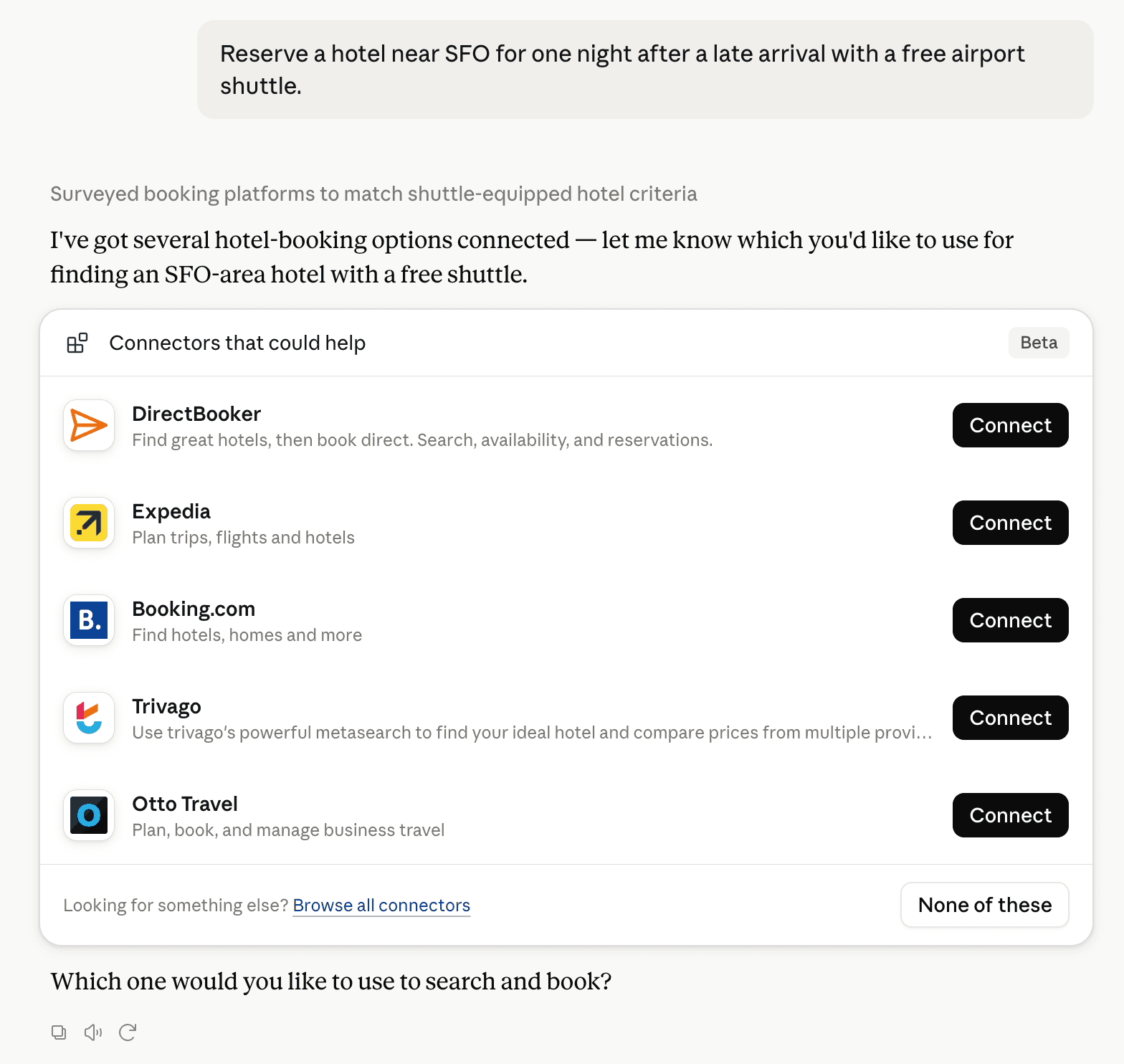
Claude can surface verified Connectors when they match a user’s Prompt.
How Claude Connector discovery works
Your Connector will compete to appear for users’ Prompts once Claude verifies it
Competing in Claude Accounting & Bookkeeping
View Category18 tools agents can invoke

ProfitBooks Claude Connector FAQ
How the directory, categories and Discoverability Score work.
Read the methodologyHow do I improve ProfitBooks's Claude Connector discoverability?
The levers are the listing surface agents actually read: names, descriptions, keywords, tool metadata, and registry health. Which lever matters depends on where discovery breaks, which is what continuous measurement shows.
What are ProfitBooks alternatives on Claude?
As of 2026-10-27, ProfitBooks competes with Intuit QuickBooks, Zoho Books, FreshBooks, Xero, Rillet, Payhawk, Tabs, NumbersGame MCP and 123 more in Claude Accounting & Bookkeeping, ranked by public Discoverability Score.
Where is this profile measured?
This profile uses the geography attached to the latest public registry snapshot: US. Locale tags are intentionally omitted.